
Case study
MUNE UX
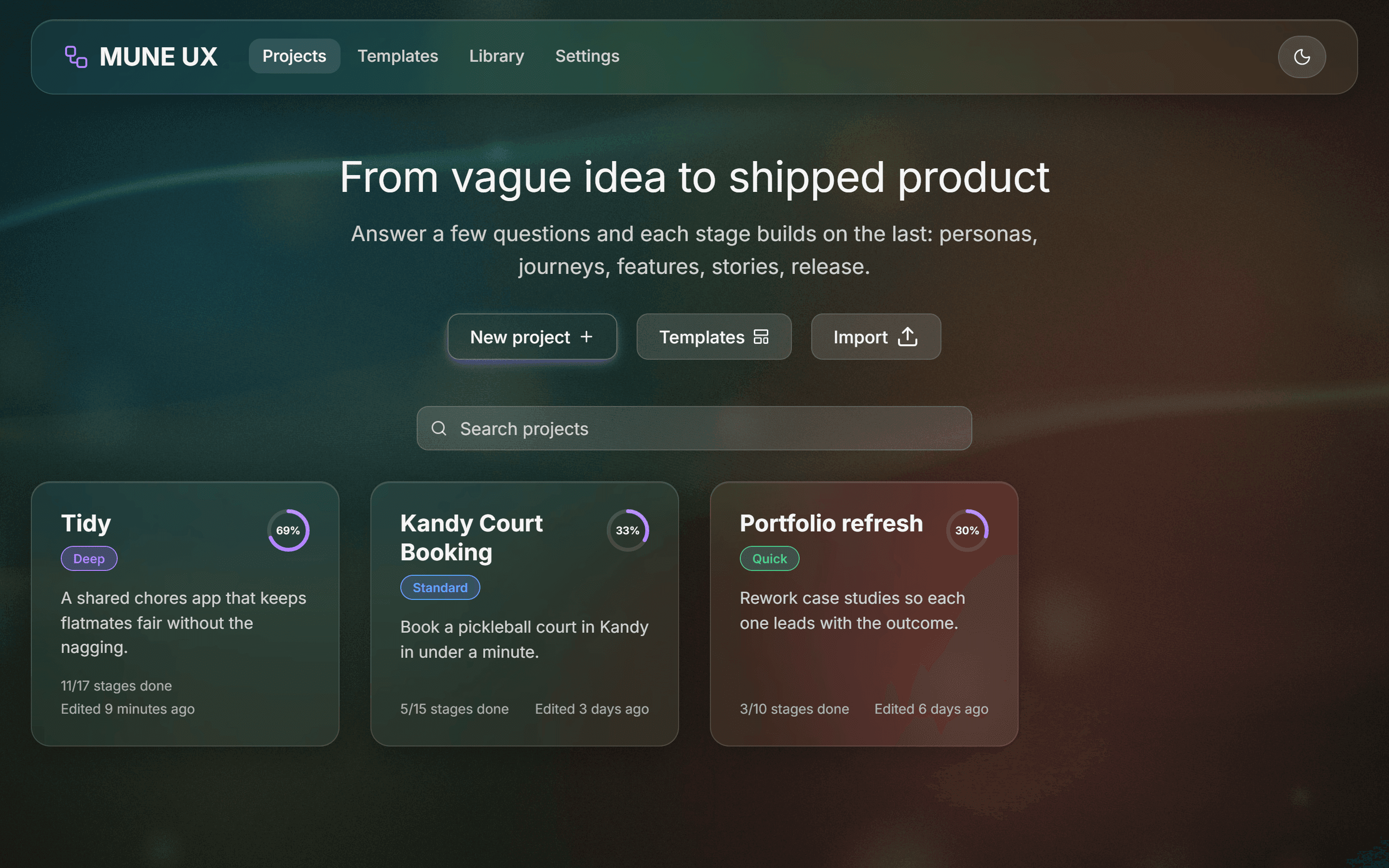
A local-first UX-to-dev pipeline that takes a vague idea through 17 guided stages to a shipped release, and traces every task back to a real user need.
At a glance
- Role
- Product owner, designer, and developer, built with Claude Code as an AI pair programmer
- Status
- Working local app, personal daily-use tool (local-first desktop web app)
- Platform
- Local web app on Windows, opened as a Chrome/Edge app window from a desktop shortcut; also installable as a PWA
- Tools
- Claude Code · VS Code · Playwright · Git
- Tech stack
- Next.js 16 · React 19 · TypeScript · Tailwind CSS v4 · Radix UI · Dexie (IndexedDB) · Zustand · dnd-kit · Anthropic SDK · html-to-image
Sections
Section 1
The Problem
Most UX tools are blank canvases. Miro, FigJam and Notion templates give you space to think, but they don't guide the thinking, and every artifact lives on its own. A persona doesn't know which interview answer it came from, a feature doesn't know which pain point it solves, and by the time code ships nobody can say why a task exists. The goal was one tool that starts every project with questions and makes each stage feed the next. The chain runs from the first answer through to the release and the metric that measures it.
Section 2
Approach
Built as a local-first desktop web app with no account, no cloud database and no telemetry. All data lives in the browser's IndexedDB.
- Every project starts with 12 guided questions, one per card, across seven input types: short and long text, lists, single and multi choice, 1 to 5 scales, and a risk-rated assumption list.
- The work runs through 17 stages in six phases (Discover, Define, Design, Build, Ship, Learn). Quick, Standard and Deep depths include 10, 15 or all 17 stages. Stages can be skipped, reordered or added later, and the app warns about gaps but never blocks.
- Each stage feeds the next: personas are drafted from the answers and keep links back to them, journey pain points can be promoted to problem statements and opportunities to features, features become user stories with candidate acceptance criteria drafted from the user flow steps, and each criterion becomes a test case, a failed test becomes a pre-filled bug, and done stories generate the release changelog.
- The loop closes at the end: feedback logged in Measure & Iterate is sent back to Discovery as a new answer, which starts the next round.
- Exports cover Markdown, a printable PDF report, a JSON backup, PNG images of personas and journeys, Jira/Linear-ready CSV, GitHub issue Markdown, CHANGELOG.md, and a one-click "build brief" per story to paste into a coding assistant.
Section 3
Architecture & Key Decisions
- Traceability is computed from the entities' own references, not stored as a separate list of links. Every answer, persona, journey insight, problem, feature, story, task, test, release and metric is a node, so the graph can never drift out of sync with the data. It also powers the Traceability view and the "Why" popover on every story and task.
- AI is optional and off by default. When enabled, 10 structured tasks plus a streaming assistant run through one server route, each asking Claude for JSON that matches a strict schema. The API key stays server-side, refused requests fall back to another model, and anything the AI drafts is marked ✦ until you edit or accept it. Drafting, gap detection and the changelog all also work without a key.
- Built on Next.js 16 with Cache Components, which changed several defaults from older versions: visited routes stay mounted in the background so dialogs and side panels have to close themselves when hidden, pages that read URL parameters must render inside Suspense boundaries, and the desktop launcher's auto-exit flag is read at request time so a build never bakes it in.
- GitHub sync is read-only. A server route fetches pull requests and recent commits, then links any that mention #TASK-n or match a task's branch name, with tokens never reaching the browser.
- The desktop launcher follows the same pattern as my other MUNE apps: a hidden Windows script installs and rebuilds only when something changed, the app opens in a Chrome/Edge app window on 127.0.0.1, and the server shuts down when the last window closes, tracked by heartbeats and a "bye" beacon.
Section 4
Real Issues Caught & Fixed
- Glass never frosted in Chrome or Edge. The CSS build merged the backdrop-filter and -webkit-backdrop-filter pair down to only the prefixed version, which Chromium ignores, so every glass panel was a flat tint. Fixed by writing only the standard property and letting the build add the prefix.
- The backdrop was invisible. The body had a solid background, and a fixed backdrop at z-index: -1 paints above the html background but below the body's. Moving the base colour to the html element revealed it.
- Rapid edits overwrote each other. Two quick changes to the same journey or checklist both wrote the whole array from a stale copy, so the second erased the first. An end-to-end test caught it when an emotion setting vanished; fixed with an atomic read-modify-write helper now used by every list edit.
- Lists came back in random order. Random UUIDs meant personas, features and stories reshuffled between sessions. Switched to time-ordered UUIDv7 ids, so storage order is creation order.
- Screenshot review found layout bugs no test checked for: matrix labels overlapping and scores sitting exactly on the quadrant dividing lines, long project titles cut off mid-word, the phone-width nav wrapping onto two lines, and stories reading "As a Priya." Each was fixed in the app, then the set was re-shot.
- Nested buttons on the boards. The drag-and-drop wrapper gave every card a button role around the card's own button, which breaks screen readers. Moved keyboard dragging to a separate grip handle and kept pointer dragging on the whole card.
Section 5
Design
The interface is dark glassmorphism: frosted translucent cards with soft white borders over a full-screen wallpaper. I generated the default "aurora" wallpaper in code, in a teal, moss, burnt orange and muted red palette, and you can upload your own with blur and dim controls. A purple accent (blue or green optional) glows under primary buttons and progress. Everything uses one set of tokens, so there's an optional light mode and a "reduce transparency" setting that swaps glass for solid surfaces. The journey editor draws a smooth emotion curve you set by clicking faces on each phase. On phones the stage list becomes a bottom sheet.
Section 6
Testing & Outcome
An end-to-end script drives a real Edge browser through both acceptance checklists in the spec, 23 steps in all: creating a project and answering the questions, drafting and editing personas, building a journey with an emotion curve and promoting a pain point, dragging tasks across the board and attaching a branch and PR, turning a failed test into a bug, generating a changelog and exporting Markdown, CSV and the handoff spec, and checking that data survives a reload. All 23 steps pass with zero browser console errors. Separate checks cover the background settings and the desktop launcher's full lifecycle: first-run install, build, hidden start, Quit, and auto-exit when the window closes. TypeScript, ESLint and the production build all pass cleanly. The portfolio screenshots come from a scripted capture of a demo project loaded through the app's own Import feature, so the set can be regenerated after any design change. Not yet verified: AI features against the live API with a real key, and GitHub sync on a private repo. The app hasn't been tested with users yet.
Links
Personal local-first tool; source available on request.
Request source accessMore projects
Sri Charge
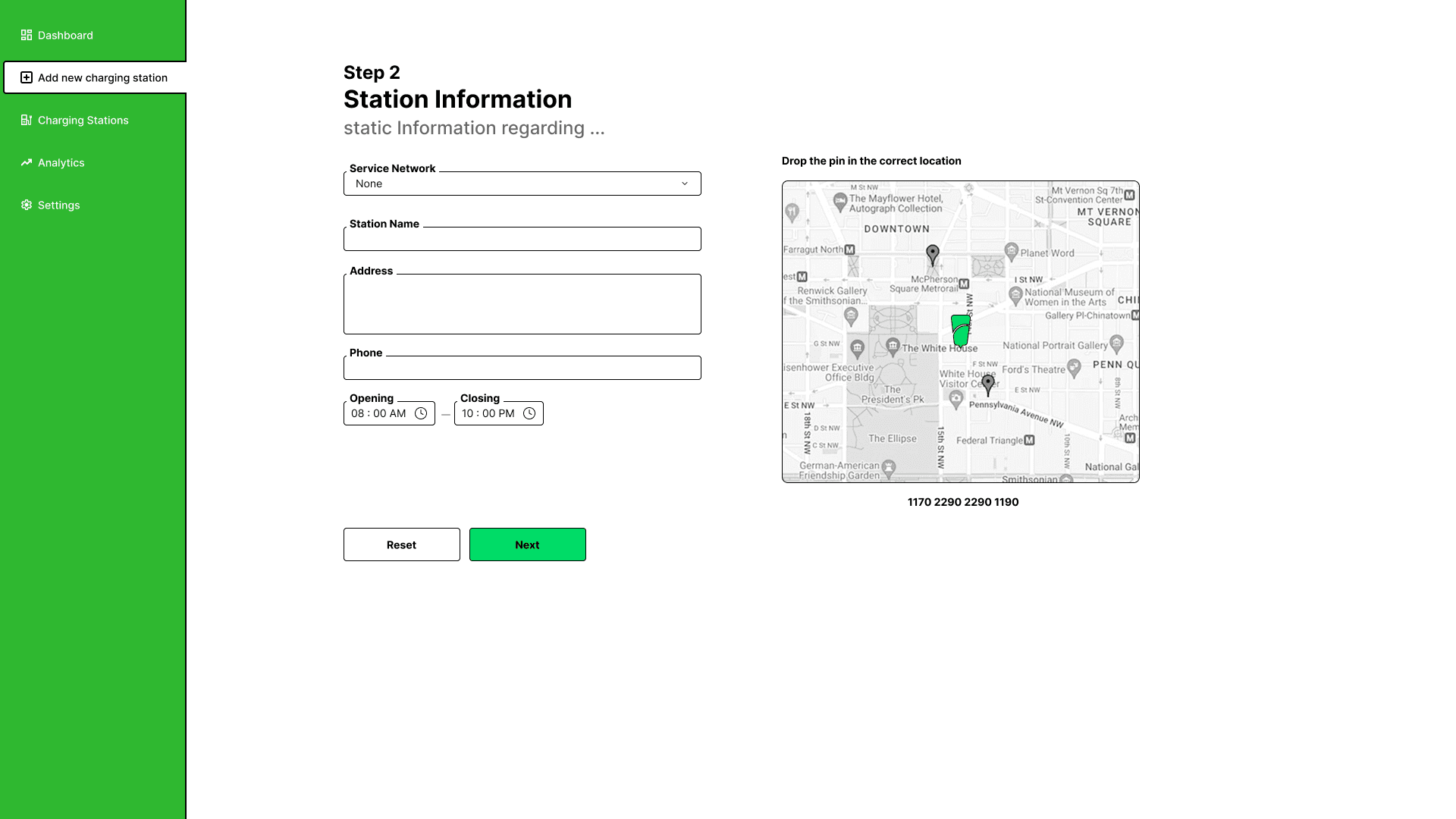
A design-led EV charging & booking platform for Sri Lanka, built to end the queue.
Kandy 1st Court
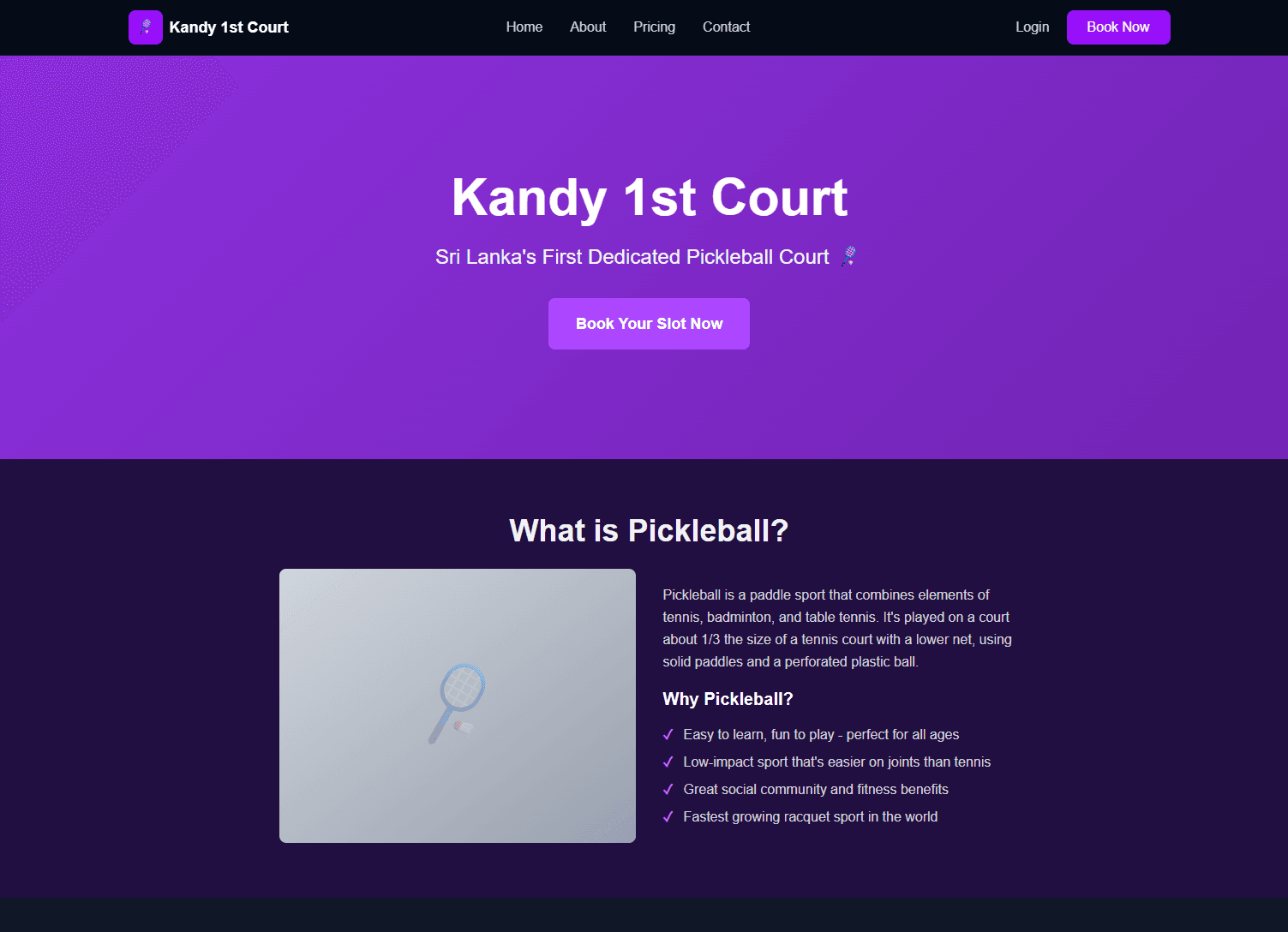
A full-stack booking platform for Sri Lanka's first dedicated pickleball court, built end-to-end by directing Claude Code, not by hand-coding or blind-accepting it.
This Portfolio
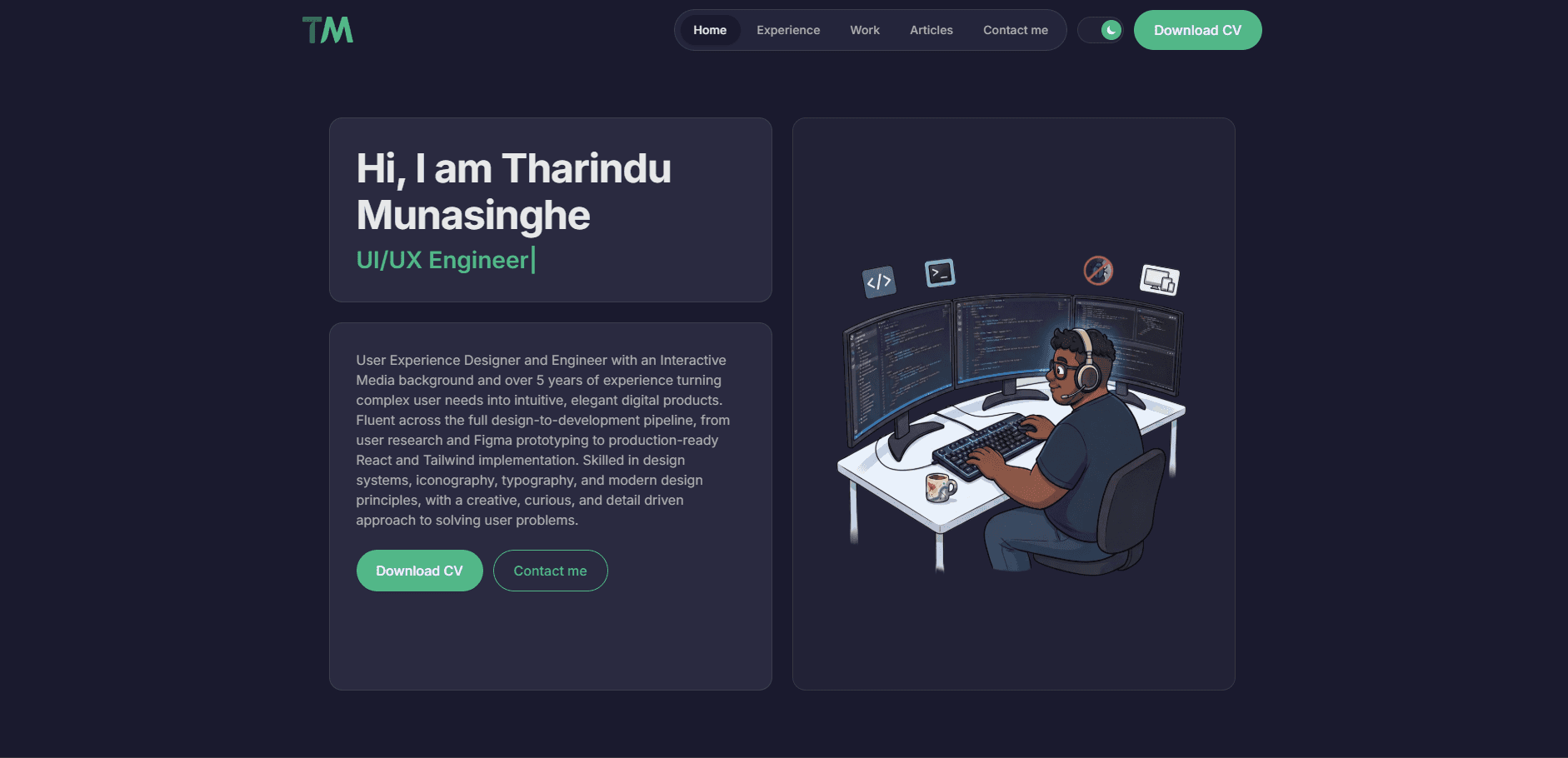
This very site: a personal portfolio designed and built end-to-end with Claude Code assisting, one real feature at a time.
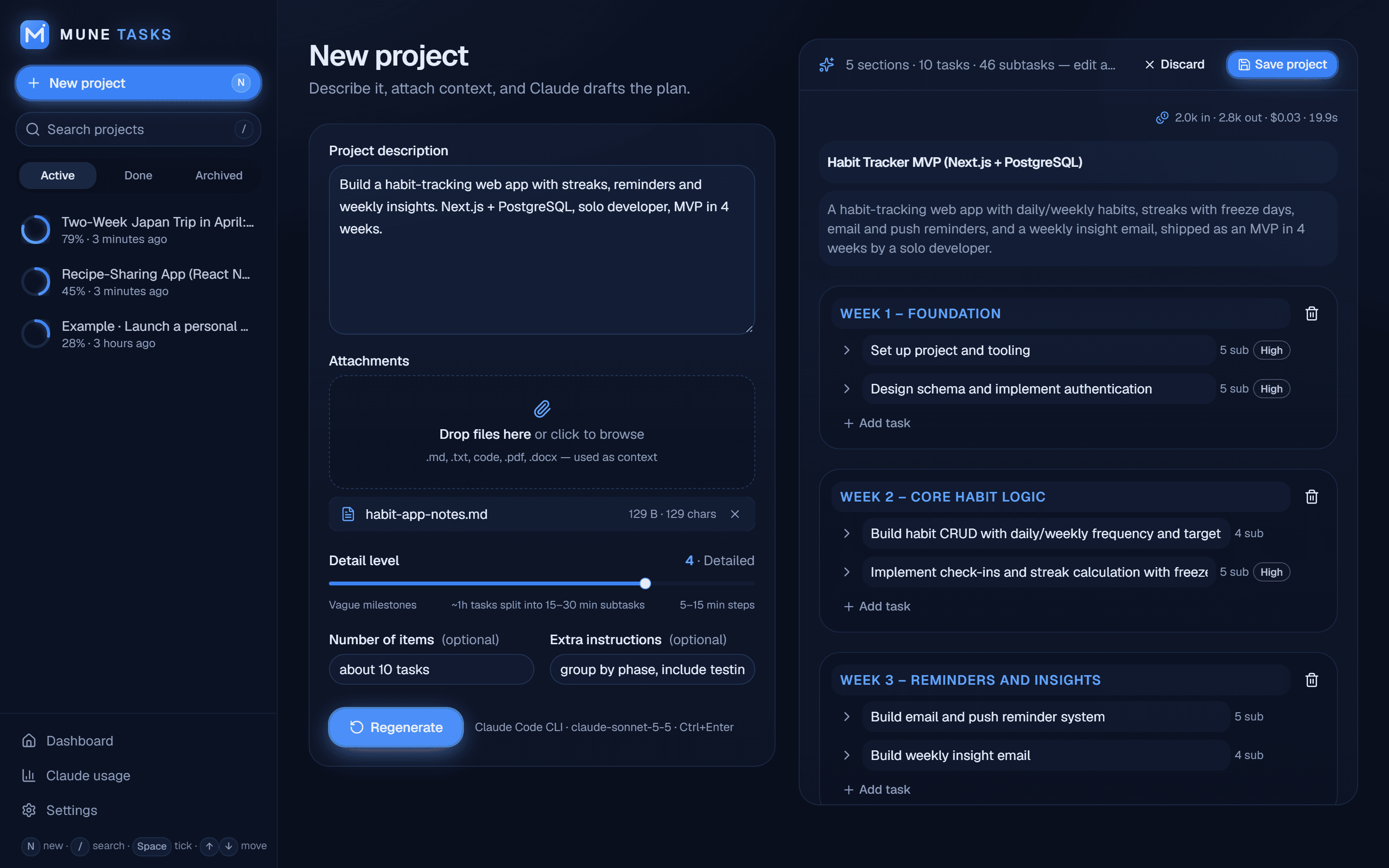
MUNE TASKS
A local-first AI project planner that turns a description into a phased, trackable to-do list in about 20 seconds.
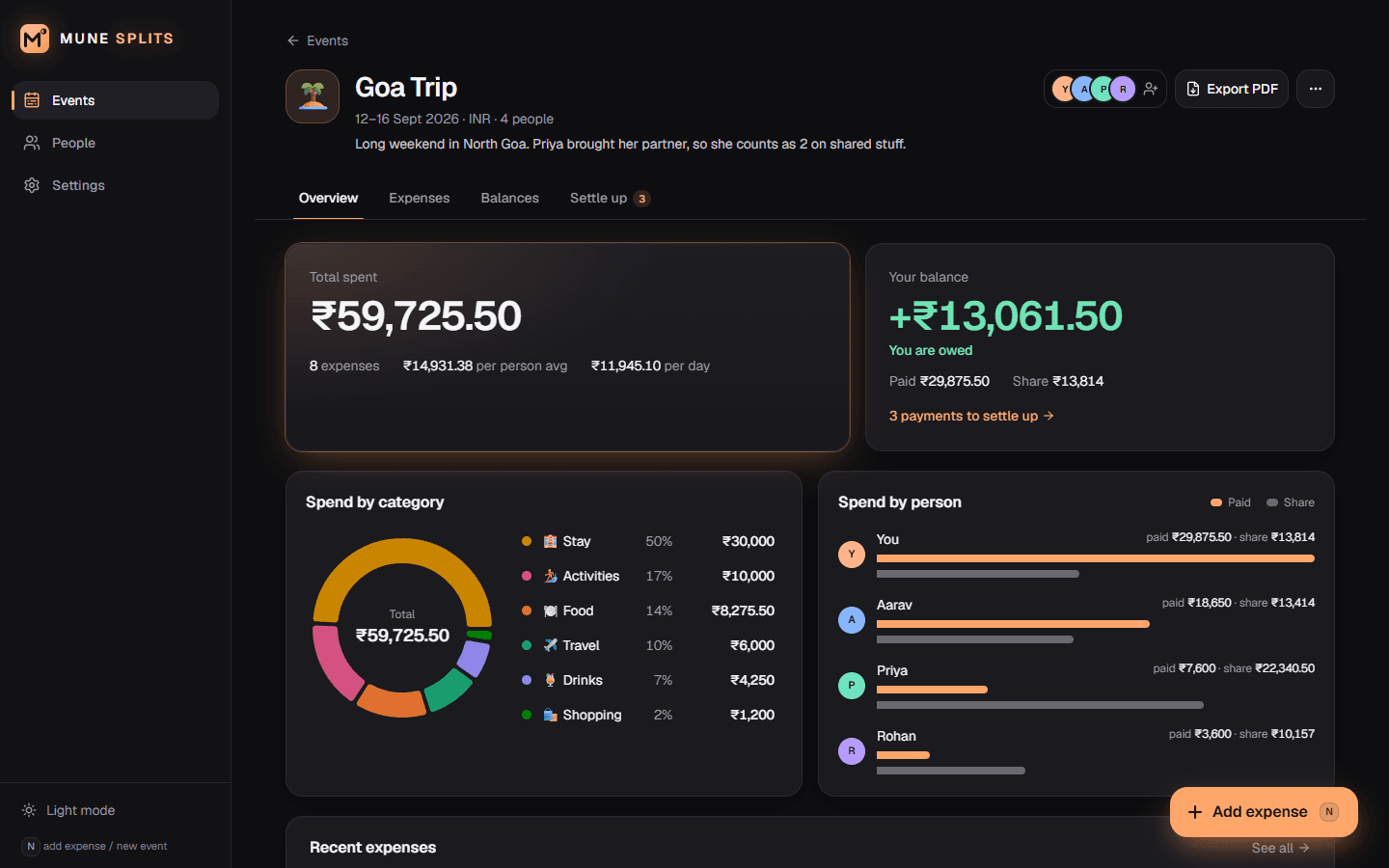
MUNE Splits
A local-first expense splitter that works out who owes whom in the fewest possible payments.