
Case study
MUNE TASKS
A local-first AI project planner that turns a description into a phased, trackable to-do list in about 20 seconds.
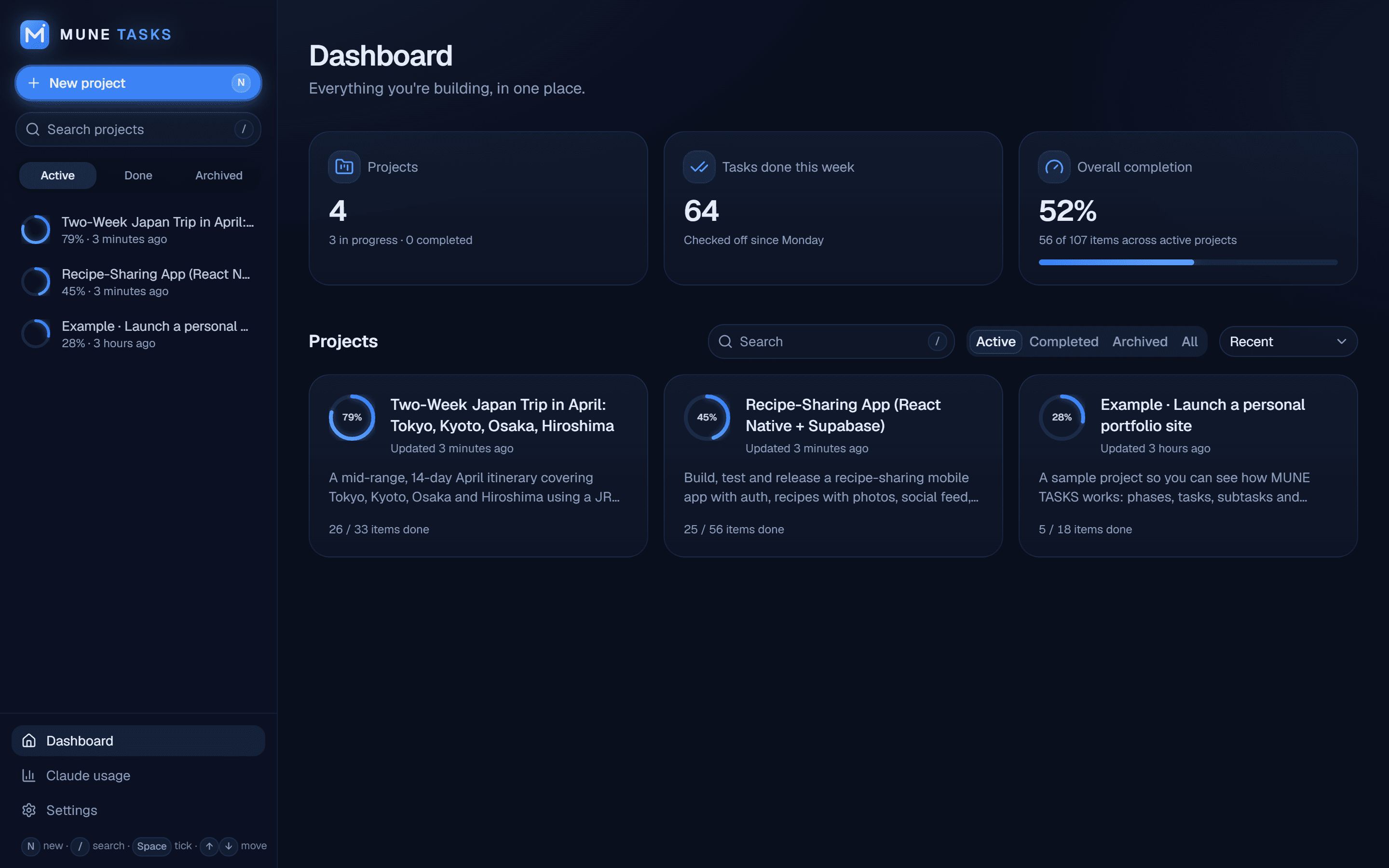
At a glance
- Role
- Product owner, designer, and developer, built with Claude Code as an AI pair programmer
- Status
- Live, personal daily-use tool (local-first desktop web app)
- Platform
- Local web app on Windows, opened as a Chrome/Edge app window; also installable as a PWA
- Tools
- Claude Code · VS Code · Git
- Tech stack
- Next.js 16 · TypeScript · Tailwind CSS v4 · shadcn/ui · Framer Motion · SQLite · Drizzle ORM · Anthropic SDK · Zod
Sections
Section 1
The Problem
Starting a project means breaking it into steps, and that planning work is slow and easy to skip. Generic to-do apps require typing every item by hand, while chat assistants produce a plan that still has to be copied somewhere and tracked manually. The goal was one tool that writes the plan from a free-text description and attached documents, then lets the actual work be tracked afterward.
Section 2
Approach
Built as a fully local-first desktop web app on Windows: no account, no cloud database, no telemetry, with the server listening only on 127.0.0.1.
- Generates a plan from a free-text prompt plus attached files (.md, .txt, code, .pdf, .docx), with a detail-level slider from vague milestones up to 5 to 15 minute steps and an optional target item count.
- Streams Claude's JSON response as it's written, parsing it with a tolerant partial-JSON parser so the plan's section and task tree builds up live instead of appearing after a long spinner.
- Every project gets its own page with an overall progress bar, per-section percentages, collapsible subtasks, drag-and-drop reordering, and an 'Original prompt' panel recording the prompt, settings, attachments, and that project's own Claude spend.
- Any task can be expanded into concrete 5 to 15 minute steps, and any section regenerated with optional guidance, both previewed in a dialog with their own cost shown before being applied.
- Logs every Claude request (tokens, cost, duration, retries, errors) to a usage dashboard with 7/30/90-day totals and breakdowns by feature, model, and project.
Section 3
Architecture & Key Decisions
- Every Claude request passes through one AI layer that validates the response against Zod schemas and logs its cost; an invalid or off-schema response triggers exactly one retry with the validation errors fed back to the model.
- Running on a Claude subscription through the Claude Code CLI hit command-line length limits with large attachments and pulled in the CLI's own tools and settings. Fixed by piping the prompt over stdin, passing the system prompt through a temp file, and switching off tools, MCP servers, and settings, cutting per-request context from roughly 35k tokens to about 700.
- A Next.js proxy rejects foreign Host headers and cross-site origins on every write, since any page open in a browser can otherwise reach a server listening on localhost.
- Every edit on a project page (tick, rename, reorder, add, delete, replace a section) is one typed action validated by Zod and applied in a SQLite transaction, with the UI updating optimistically and requests queued so responses can't arrive out of order.
Section 4
Real Issues Caught & Fixed
- The latest better-sqlite3 crashed on load because it only ships prebuilt Windows binaries for Node 22+, and compiling it needs Python and Visual Studio. Pinned to 12.9.0, the newest version with a Node 20 Windows binary.
- Renaming the app required moving the database file from its old name to mune-tasks.db, but most of the data was still sitting in SQLite's write-ahead log rather than the main file. Fixed by checkpointing the WAL into the main file before the rename, with a retry on next launch if the old file was still in use.
Section 5
Design
A dark-only interface built around a deep navy background, slate-blue surface cards, and electric blue accents, with a soft glow on primary buttons and progress bars to draw the eye to the next action. Geist throughout, rounded-2xl cards, thin borders, generous spacing. Framer Motion draws the checkmark stroke, springs progress bars and rings to their new value, fades new tasks in, and bursts confetti at 100% completion (skipped under reduced motion). Fully keyboard-first: N for a new project, / for search, Space to tick the focused task, arrow keys or J and K to move between tasks, Enter to rename.
Section 6
Testing & Outcome
A detailed plan arrives in about 20 seconds for roughly 3 cents of API-equivalent usage. An end-to-end Playwright script drives a real Chrome browser through the full flow: creating a project from a prompt plus an attached file, editing the plan before saving, ticking tasks and subtasks, using the keyboard shortcuts, renaming and adding tasks, restarting the server to confirm persistence, then completing and archiving the project. TypeScript, ESLint, and the production build all pass cleanly.
Links
Personal local-first tool; source available on request.
Request source accessMore projects
Sri Charge
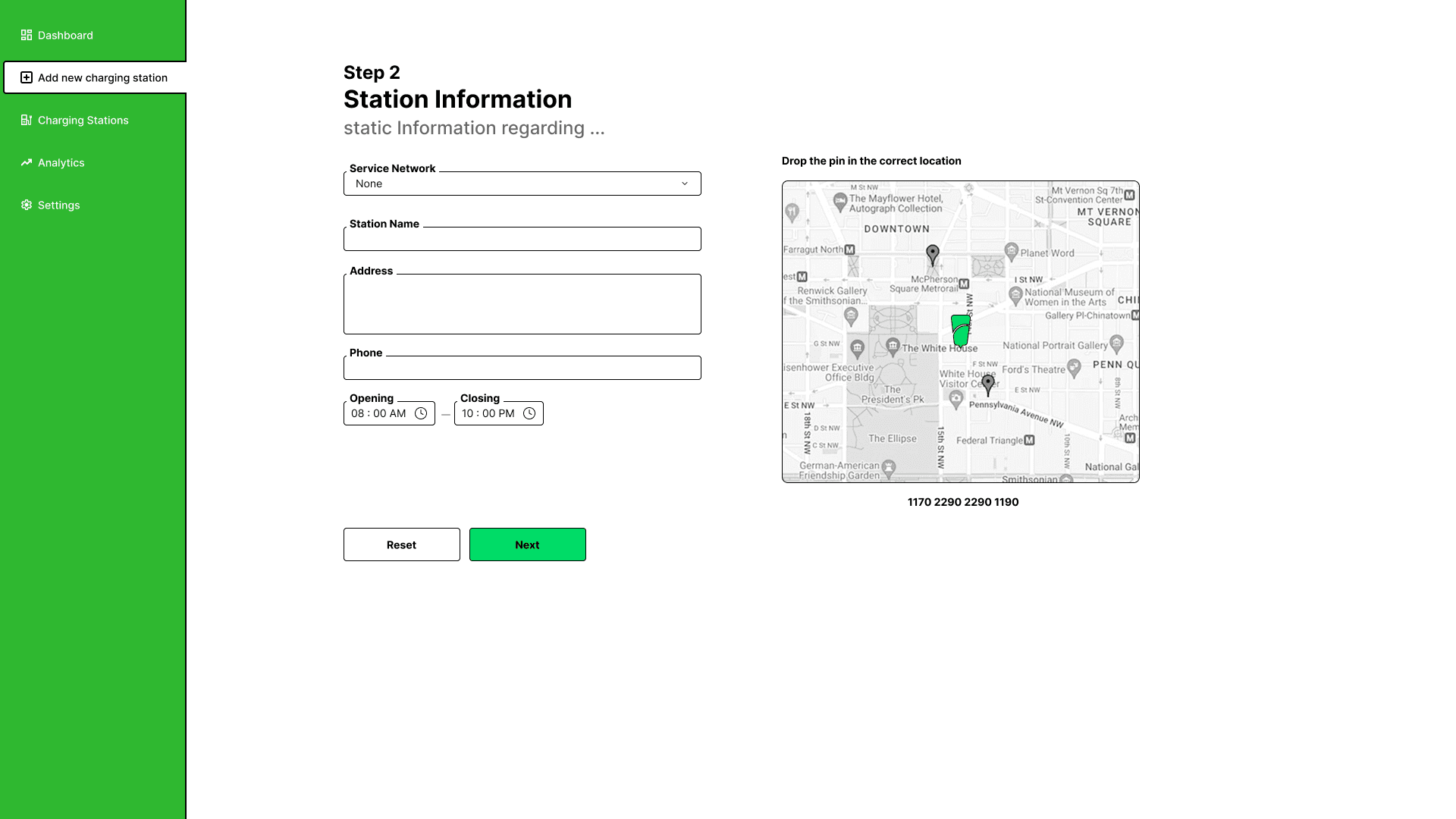
A design-led EV charging & booking platform for Sri Lanka, built to end the queue.
Kandy 1st Court
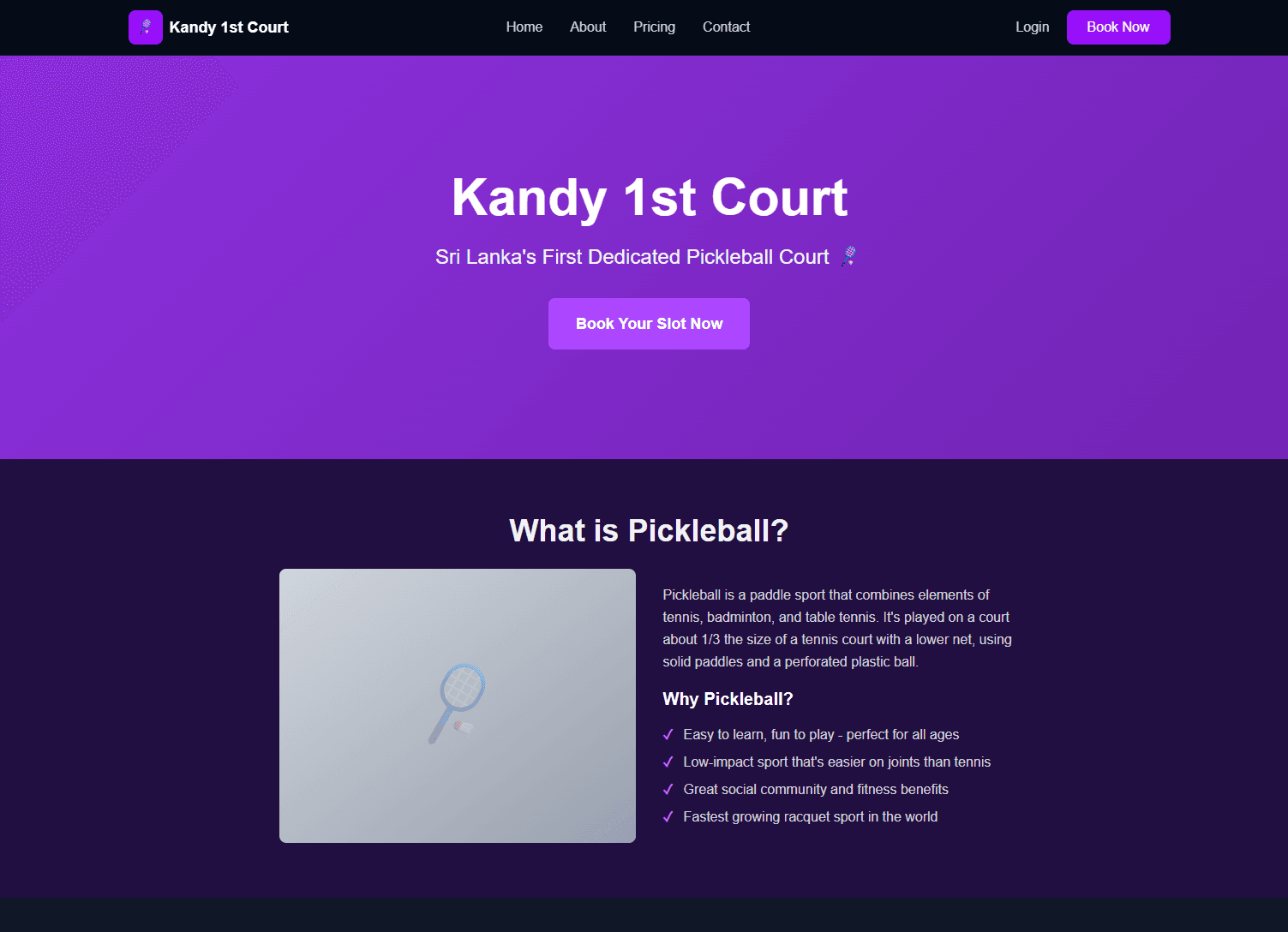
A full-stack booking platform for Sri Lanka's first dedicated pickleball court, built end-to-end by directing Claude Code, not by hand-coding or blind-accepting it.
This Portfolio
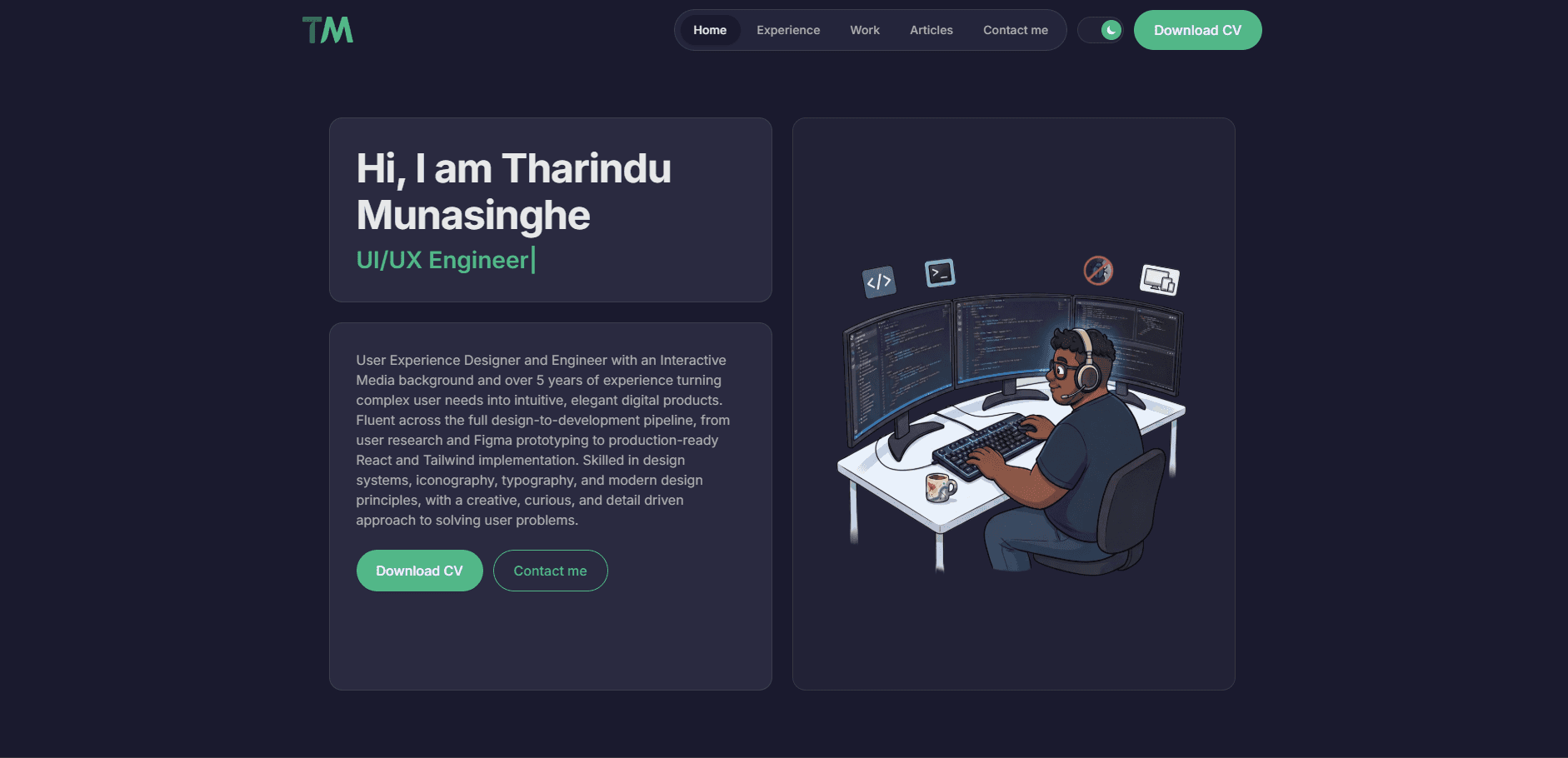
This very site: a personal portfolio designed and built end-to-end with Claude Code assisting, one real feature at a time.
MUNE Splits
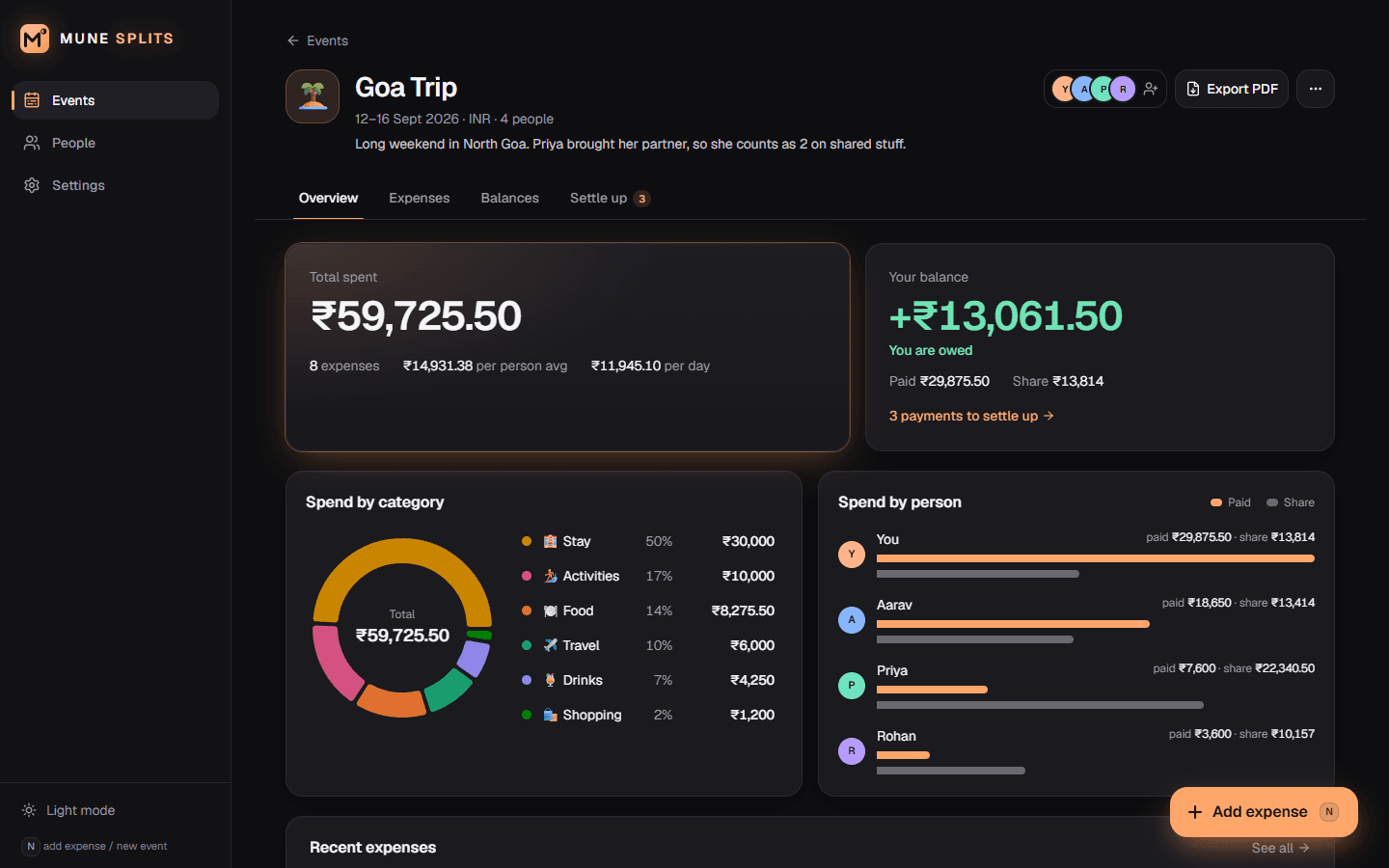
A local-first expense splitter that works out who owes whom in the fewest possible payments.