
Case study
MUNE Tokens
A local design-system generator that turns a product brief into Figma variables, styles and components, plus matching code tokens, in a few minutes with Claude.
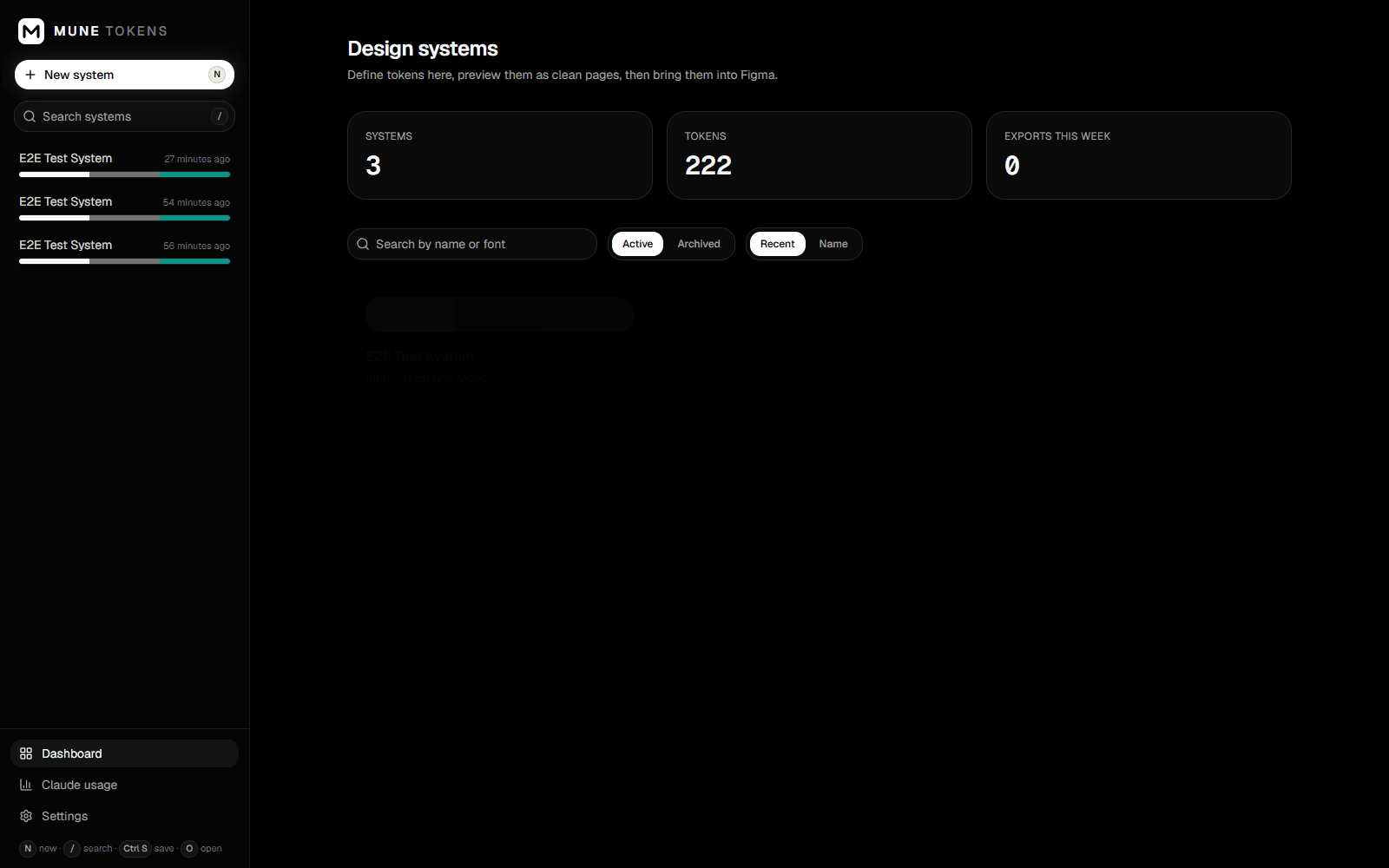
At a glance
- Role
- Designer, product owner and developer, built with Claude Code as an AI pair programmer
- Status
- Working personal tool, used for my own UI/UX projects (local desktop app on Windows)
- Platform
- Local desktop app on Windows, plus a private Figma plugin
- Tools
- Claude Code · VS Code · Figma · html.to.design
- Tech stack
- Next.js 16 · TypeScript · Tailwind CSS v4 · shadcn/ui · SQLite + Drizzle · Zod · culori (OKLCH colour) · Figma Plugin API · Claude, via the Claude Code CLI or the Anthropic API
Design system
A monochrome, dark-only chrome so the only colour on screen is the system being designed: pure black and white for the app itself, with the brand colour appearing only in the system it's building.
Canvas / Pure Black
#000000
App background
Surface / Near Black
#0A0A0A
Cards and panels
Content / White
#FFFFFF
Primary buttons, headings, active text
Metadata / Neutral
#737373
Secondary text, timestamps, progress track
Example / Brand Teal
#0D9488
The sample brand colour shown throughout these screenshots, generated by the tool, not part of the app's own chrome
Typography
Inter for the app's own UI; Inter and JetBrains Mono as the default generated sans and mono pair
- Display
- 700 · 56/64px
- Heading
- 600 · 32/40px
- Body
- 400 · 16/24px
- Label
- 500 · 14/20px
- Caption
- 400 · 12/16px
- Code
- 400 · 14/20px, JetBrains Mono
Components

Primary Button

Search Field
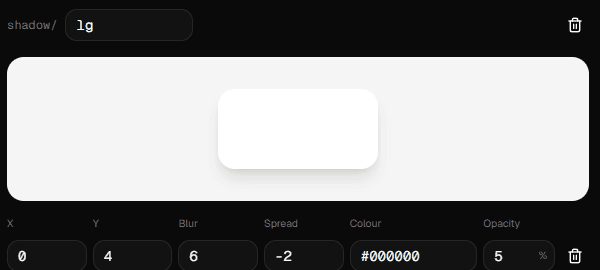
Shadow Specimen
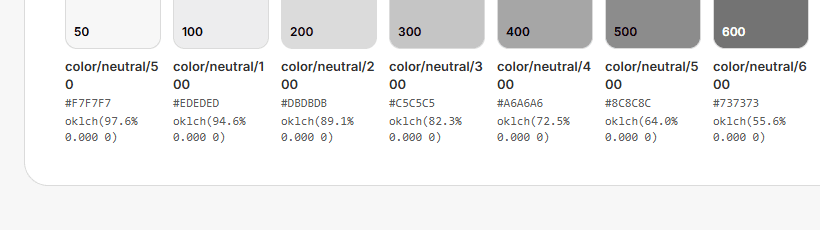
Colour Ramp Row
Sections
Section 1
The Problem
Setting up a design system by hand is the most repetitive part of starting a project. For every new product I made colour ramps, mapped semantic colours for Light and Dark, checked contrast, built a type scale and spacing, created Figma variables and styles, and then built components on top. Figma's AI features help, but every attempt costs credits, and the result still has to be described again to whoever writes the code. I wanted one tool that does the groundwork from a brief, keeps me in control of every value, and hands the same system to Figma and to code under the same names.
Section 2
Goals
- Generate a full token set from a short brief, an attached logo or a brand PDF.
- Keep every value editable, with contrast checked against WCAG AA or AAA as I go.
- Plan and build the components a specific product needs, not a generic UI kit.
- Create real Figma variables, modes, styles and component sets, not flat pictures of them.
- Write files developers and AI coding tools can use directly: tokens JSON, CSS, Tailwind and a plain-language spec.
- Stay local and cheap: no account, no Figma AI credits, and the cost of each Claude request visible.
Section 3
How It Works
Claude handles the judgement calls (a brand colour, a mood, which components a product needs) and the app does the maths. Every output is generated from the same saved system, so Figma, code and the AI spec never drift apart. One brief becomes three outputs at once: a Figma file with variables, Light and Dark modes, styles, component sets and a documentation page; code as tokens.json, tokens.css and tailwind.css; and an AI-readable UI-CONFIG.md under the same names, so the AI tool that builds the product starts from the same system I designed.
Section 4
Key Features
- A brief instead of a blank canvas: I describe the product, its mood, brand colour, fonts and accessibility target, and can attach up to six logos, screenshots or brand PDFs. I choose what to generate (colours, typography, spacing, radius, shadows, breakpoints, motion), the ramp steps, Light, Dark or both, and AA or AAA contrast. Swatches and type samples stream into a live preview as Claude writes them. AI is optional: I can also start blank or import an existing tokens file.
- Colour ramps built in OKLCH: Claude only picks a base colour for each ramp. The app builds the eleven steps in OKLCH so they look evenly spaced to the eye, and I can adjust any step. Keeping the model to one value per ramp also keeps responses short and cheap. Alternative brands, such as a "night" sub-brand, swap only the ramps they override and share everything else.
- Semantic colours with a live contrast checker: semantic tokens such as color/text/default point at a primitive for each mode, so Figma keeps the alias. Each foreground colour names the background it sits on, and the checker grades every pair in Light and Dark with its ratio, grade and an icon, never colour alone. Failures are listed first.
- Components planned from the project idea: I describe the product, for example a budgeting app for freelancers, and Claude lists the components it needs, grouped as foundations, primitives, composites and product-specific, each with why it's needed, where it's used, its variants and states, and its estimated cost. Nothing is created until I untick what I don't want and add the rest. Each component then gets its own spec, written one per AI call: anatomy, variant properties, states, token bindings per part and state, and accessibility and content rules, rendered as a full variant by state grid built only from token values, in Light and Dark.
- Files for developers and AI coding tools: every save writes a project folder of tokens.json (W3C Design Tokens), tokens.css, tailwind.css for Tailwind v4, static preview pages, and UI-CONFIG.md, written for an AI reader with rules, every token's Light and Dark value, CSS variable and Figma name, and the Ready components. Names match one to one, so color/bg/default is the same in Figma, in CSS as --color-bg-default, and in the spec. Every save also keeps a version with a token-by-token diff and restore.
Section 5
The Figma Side
A private Figma plugin, run from Figma desktop with no publishing and no fees, reads the system straight from the running app and builds a working Figma file. Running it again updates everything in place. For the test system built while verifying this, one import created 22 primitive and 11 semantic colours, 24 dimension and 7 motion variables, 11 text styles, 4 effect styles, and three component sets with 116 variants across a button, a badge and a product-specific row component. Switching a frame to Dark mode restyles every component through the variables, with no second set of components to maintain. It also works in reverse: the plugin can export the file's variables and styles as tokens JSON, and the app shows a token-level diff of what changed in Figma before anything is applied. For pixel-exact reference frames, any preview page opens in the browser for capture with html.to.design.
Section 6
Design Decisions
- Monochrome, dark-only interface: the app's own chrome is pure black and white, so the only colour on screen is the system being built. Nothing in the tool biases how I judge a palette.
- The AI suggests, I decide: every generation lands as an editable draft, and nothing is saved until I press Save. Regenerating one group, or revising one component, opens a preview with its cost before anything changes.
- Designed dark mode, not inverted: the prompt and the semantic layer treat Dark as its own mapping, with surfaces around steps 900 to 950, text around 50 to 200, and the brand slightly lighter.
- Accessible states: contrast results always show a ratio, a grade and an icon. Component specs carry roles, keyboard behaviour and a 44px minimum target.
- One name everywhere: token paths use a slash so they become Figma groups, and map directly to CSS variables and the UI config. Designers, developers and AI tools never translate between naming schemes.
- Keyboard-first: N for a new system, G to regenerate a group, O to open its preview in the browser, J and K to move between tokens, Ctrl+S to save.
Section 7
Challenges & Solutions
- Uneven AI colour ramps: asking the model for every step produced uneven ramps and long, costly responses. Fixed by having the model give one base colour per ramp, with the app building the steps in OKLCH so they stay perceptually even.
- Contrast depends on context: a text colour can't be checked without knowing what it sits on. Fixed by having each foreground token name its background, so the checker grades every pair in both modes.
- Imported pages aren't a design system: html.to.design brings in layers, not variables or components. Fixed by writing a private Figma plugin that creates variables, modes, aliases, styles and bound component sets, and keeping html.to.design for reference frames only.
- Components collapsing in Figma: in a real file, parts set to fill collapsed to 1px inside hugging frames, and width changes threw a read-only property error. Fixed by building every part at its natural size first, setting widths through resize(), then stretching parts in a second pass once the parent's width is known.
- Unreliable AI specs: a spec could reference a token that doesn't exist, or break the schema. Fixed by checking every response with Zod and against the system's own token names, then retrying once with the errors fed back. Specs are written one component per call, so one bad answer doesn't redo the library.
- Figma's free plan allows only one mode per collection. Fixed by having the plugin detect it and put Dark values in a separate "Semantic (Dark)" collection.
Section 8
Results & What I Learned
A full design system now takes minutes and a few cents instead of an afternoon, and lands in Figma as real variables and components rather than pictures of them. On my Claude subscription none of this is billed per request, and no Figma AI credits are used.
- Request cost, as the API-equivalent price: a full token system from a brief runs about 4 to 6 cents, a component plan for a product costs about 3 cents, and one component spec costs 3 to 7 cents.
- An automated end-to-end test drives the app in a real browser through creating, editing, contrast checking, typography, spacing, shadows and every export, and the Figma plugin was verified in a real file: variables, 11 text styles, 4 effect styles and three component sets, all switching to Dark through the variables.
- Let the model choose, let code calculate: Claude is good at taste (a brand colour, a mood, which components a product needs), and code is better at maths (ramps, contrast, sizes). Splitting the work that way made output cheaper and more reliable.
- A design system is a naming problem: most of the value came from one name meaning the same thing in Figma, CSS and the AI spec.
- Test in the real tool: the component sizing bugs only showed up inside Figma, not in the app's own preview.
- Write specs for the next AI, too: UI-CONFIG.md means the AI that builds the product starts from the same system I designed in Figma.
- Next steps: a shared base library that new projects extend, an icon set bound into components, and syncing Figma edits back automatically.
Links
Personal local-first tool; source available on request.
Request source accessMore projects
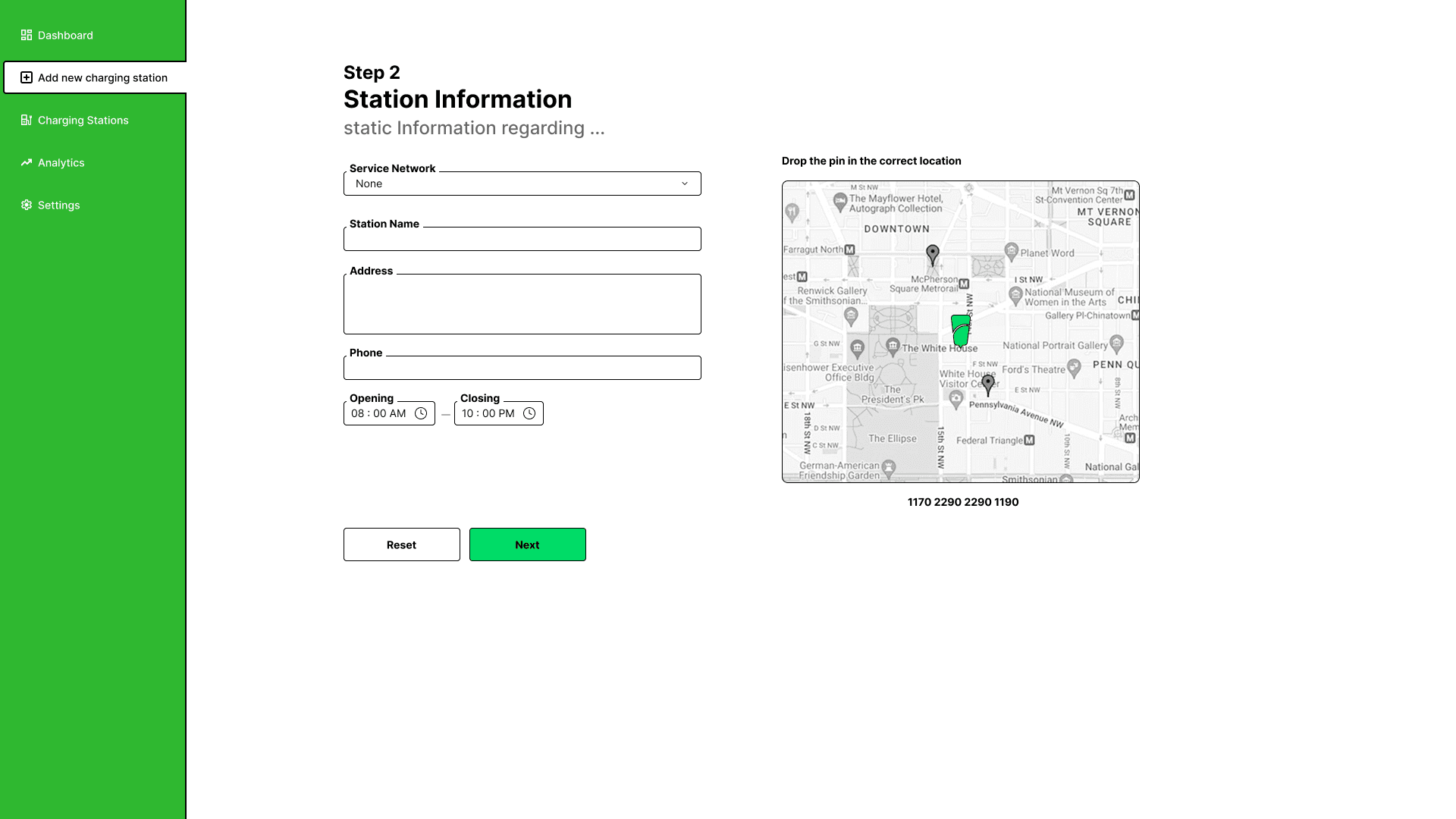
Sri Charge
A design-led EV charging & booking platform for Sri Lanka, built to end the queue.
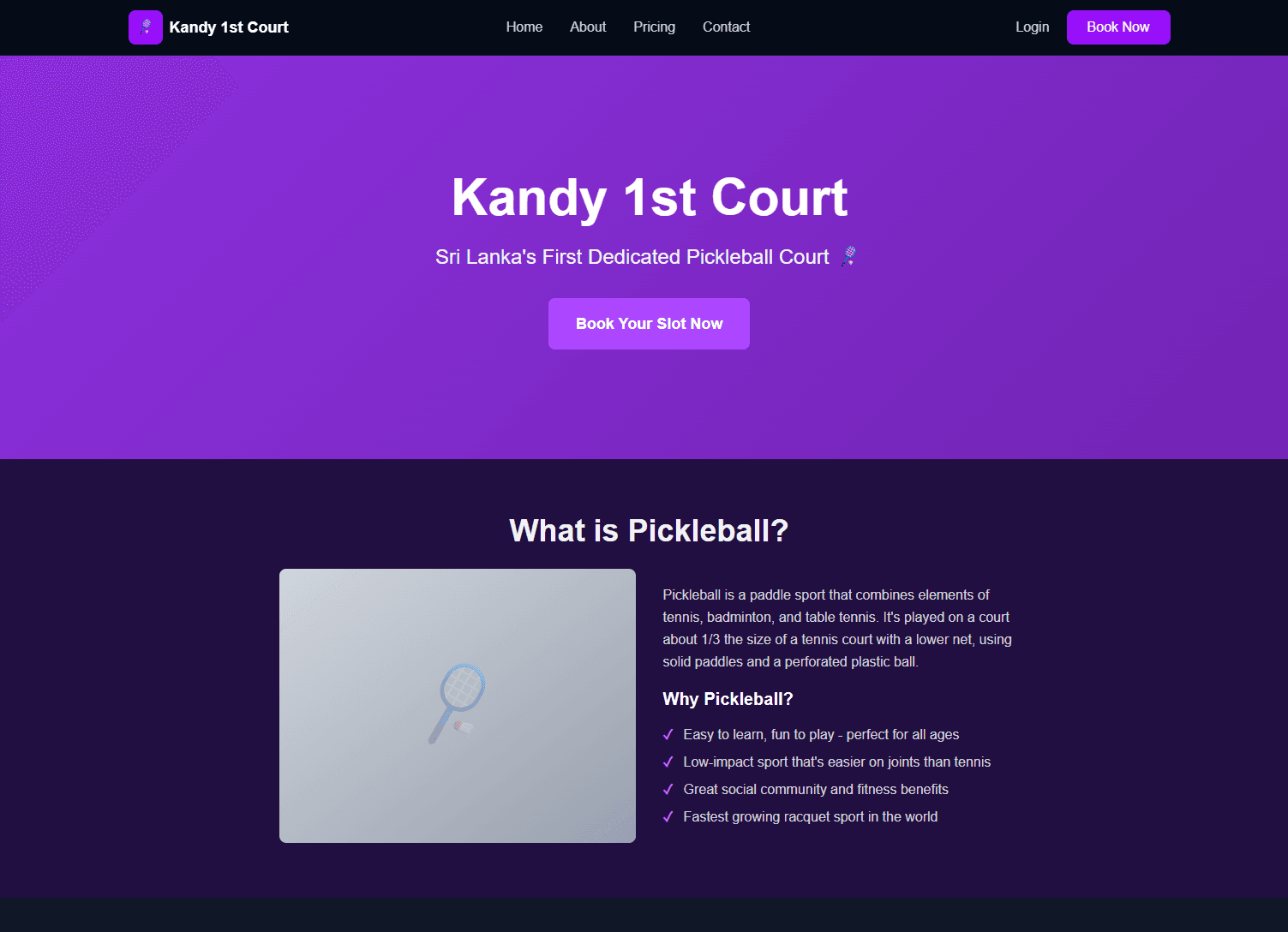
Kandy 1st Court
A full-stack booking platform for Sri Lanka's first dedicated pickleball court, built end-to-end by directing Claude Code, not by hand-coding or blind-accepting it.
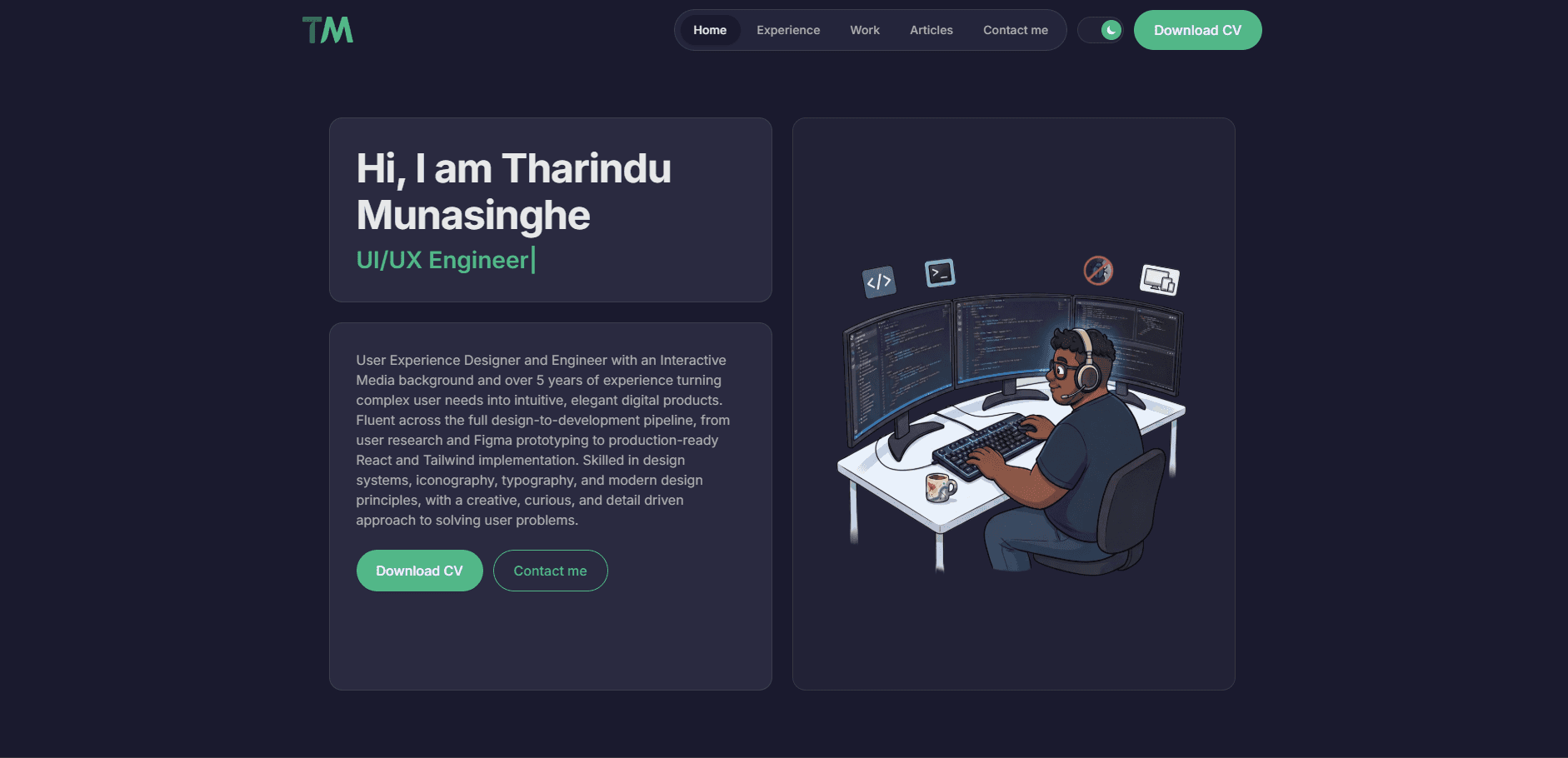
This Portfolio
This very site: a personal portfolio designed and built end-to-end with Claude Code assisting, one real feature at a time.
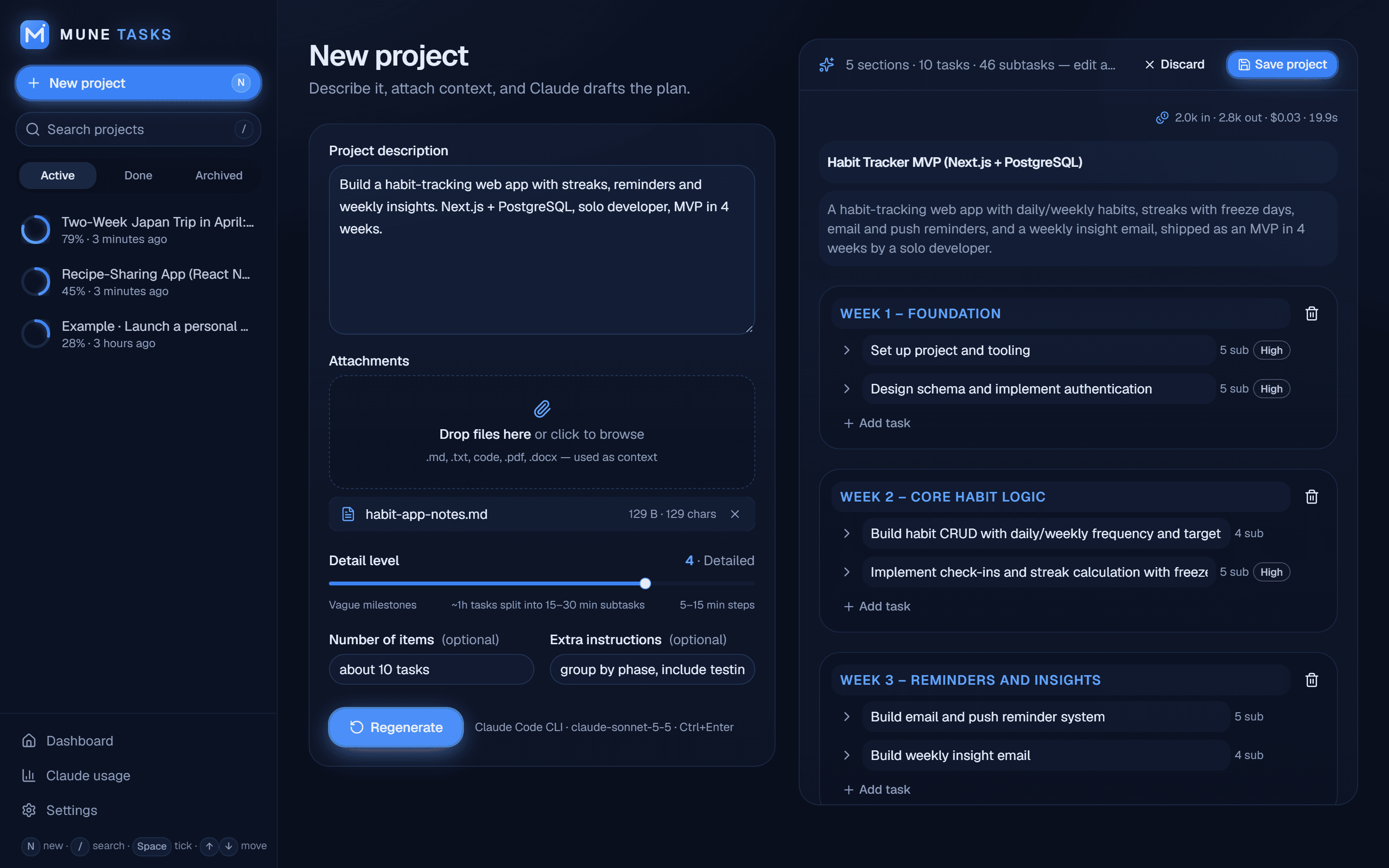
MUNE TASKS
A local-first AI project planner that turns a description into a phased, trackable to-do list in about 20 seconds.
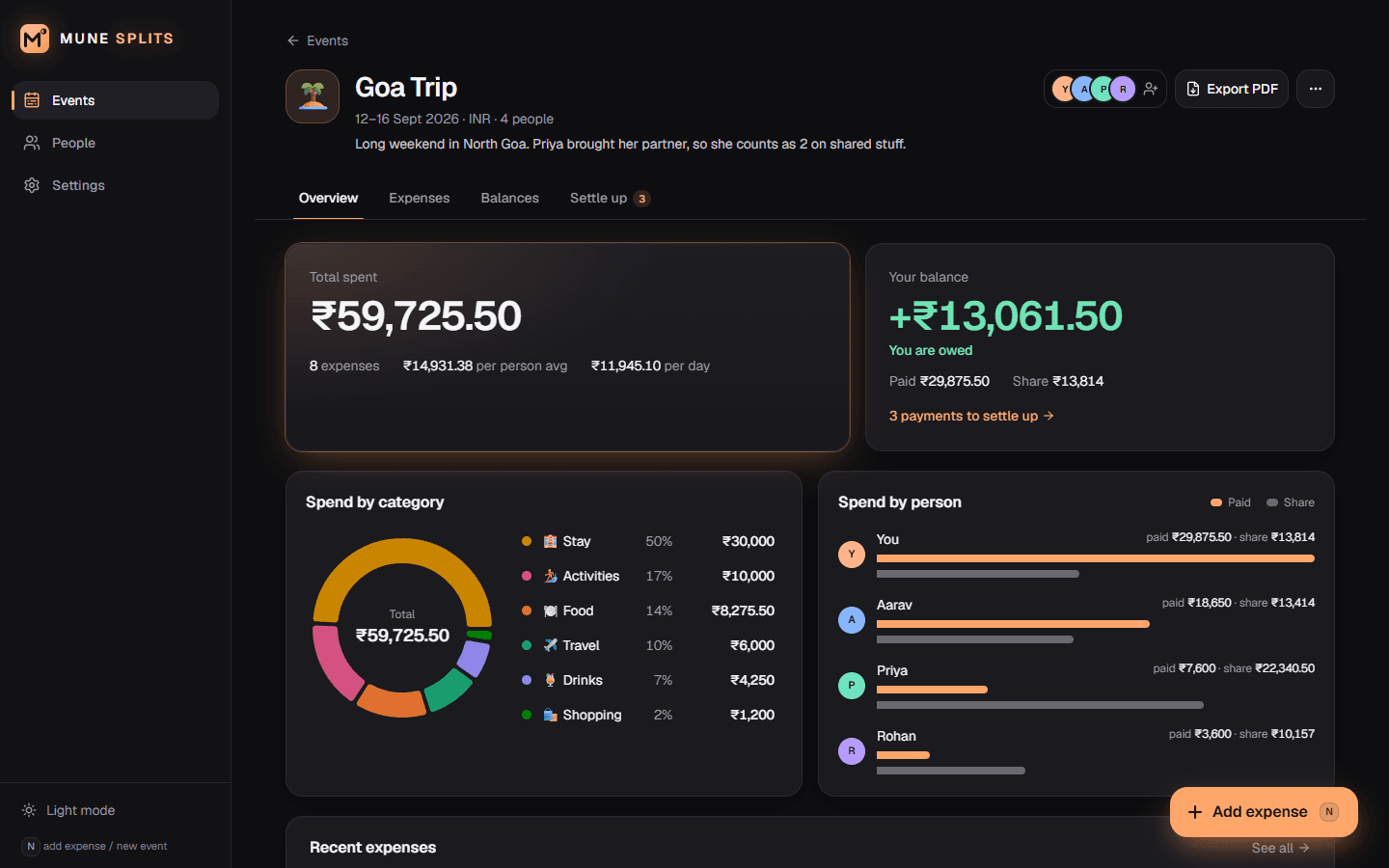
MUNE Splits
A local-first expense splitter that works out who owes whom in the fewest possible payments.
MUNE UX
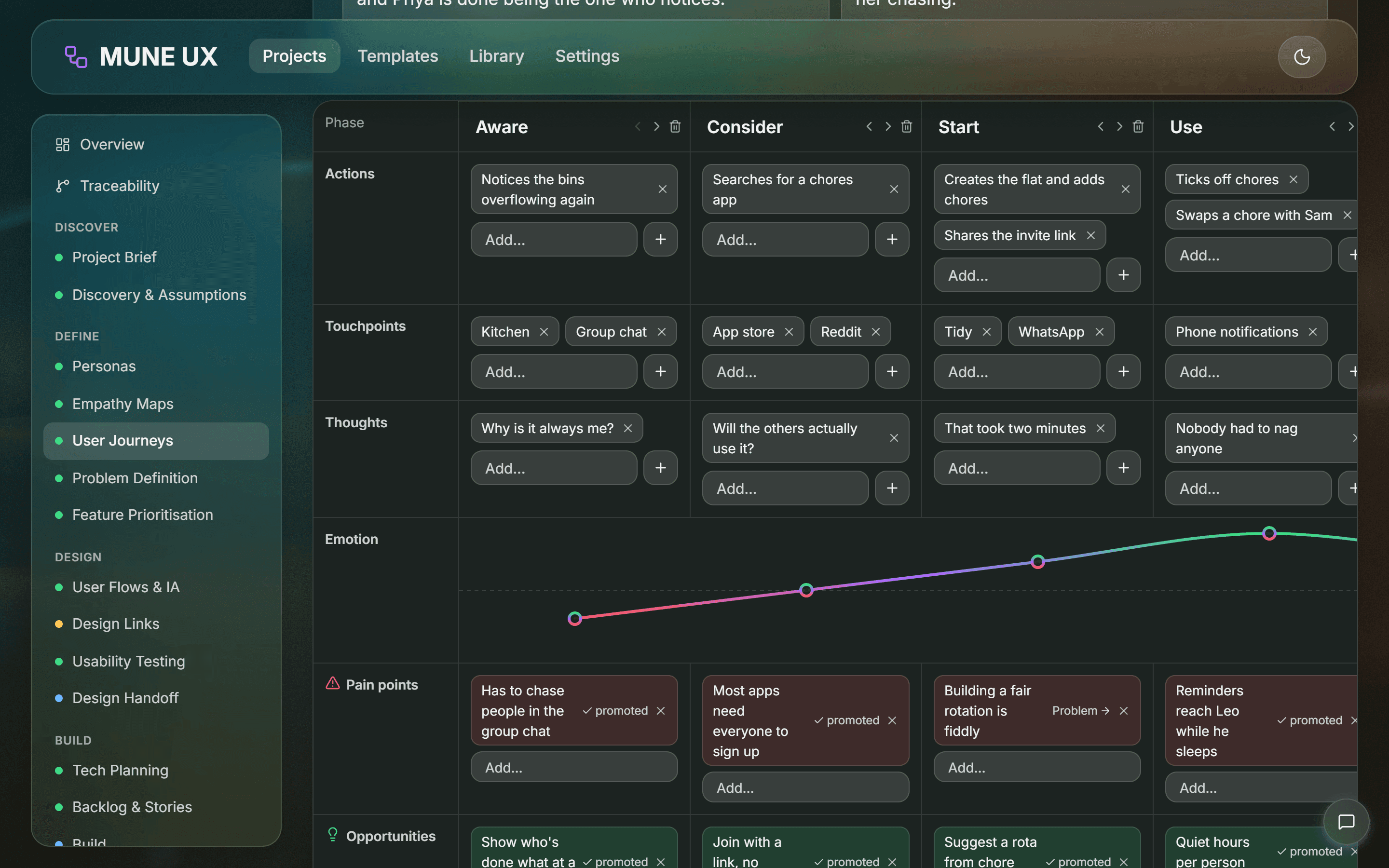
A local-first UX-to-dev pipeline that takes a vague idea through 17 guided stages to a shipped release, and traces every task back to a real user need.
Scam Shield
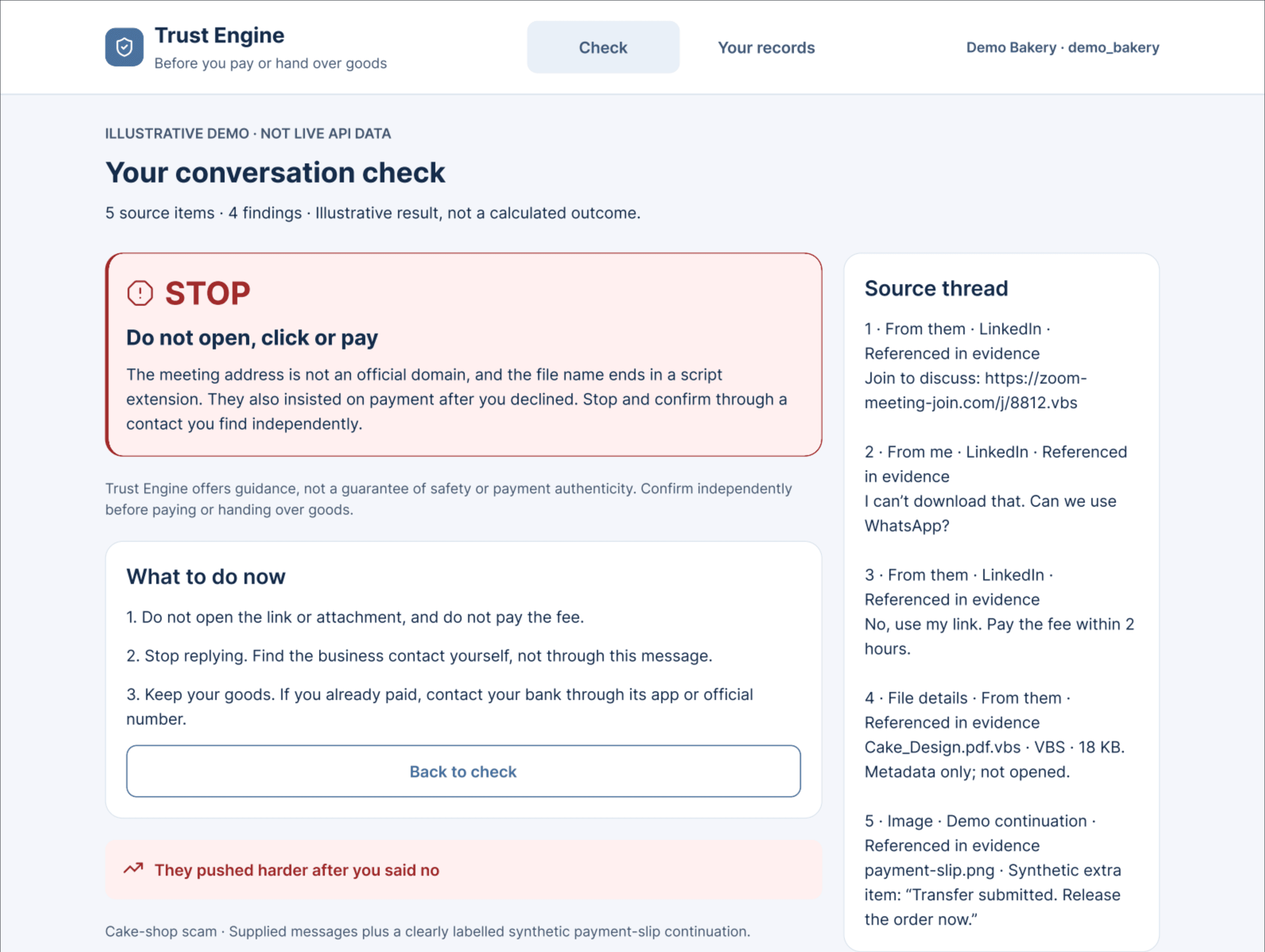
A fraud check for small shop owners, built in two weeks for the Google Cloud AI Builder Cup: paste a conversation or a payment-slip screenshot and get a STOP, VERIFY or SAFE verdict, the reasons, and what to do next.
MO Marketplace
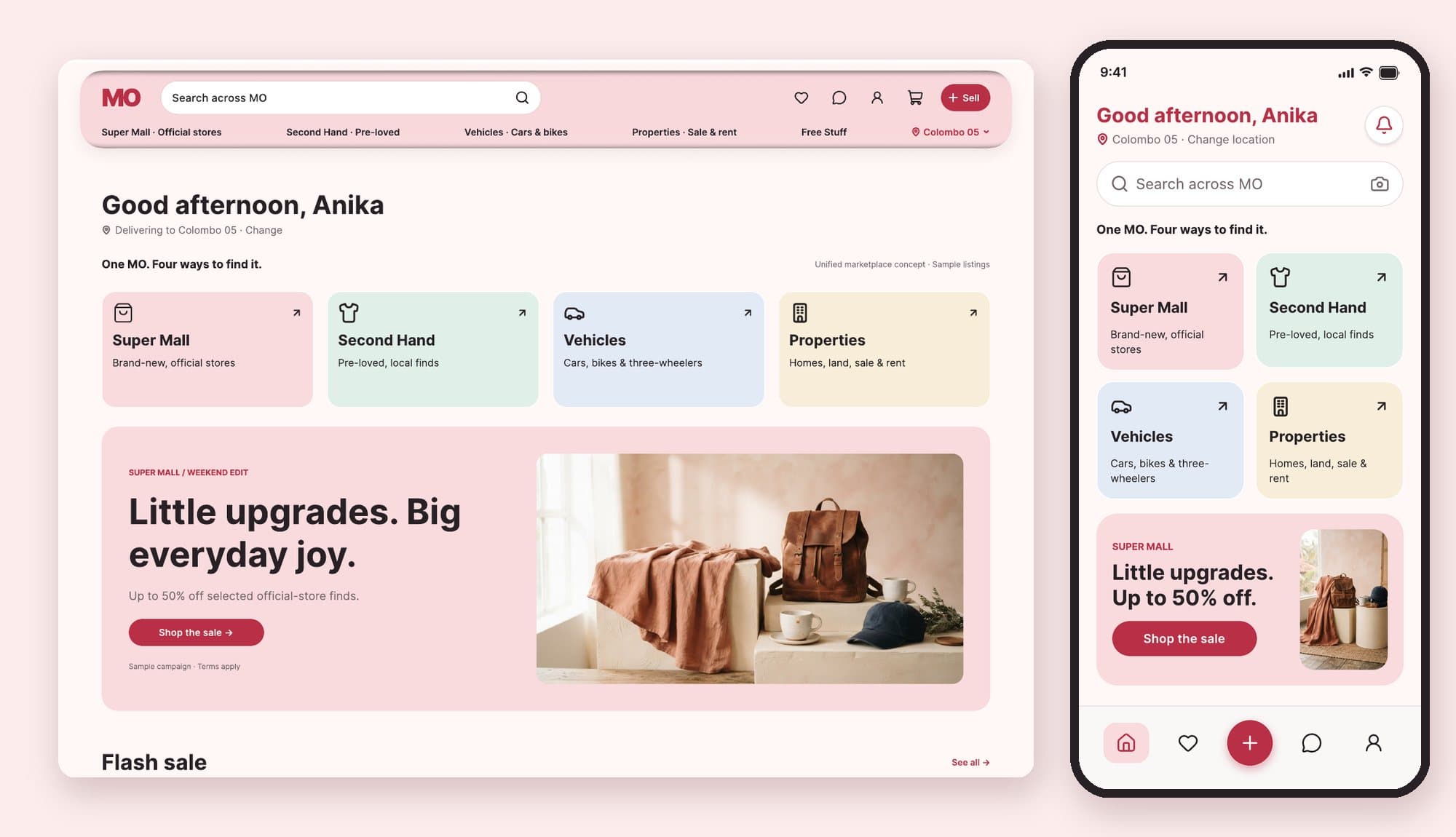
An independent redesign concept for a Sri Lankan marketplace's home screen, built for a take-home assessment around one idea: understand first, then promote, then browse.