
Case study
Fenrir Clips
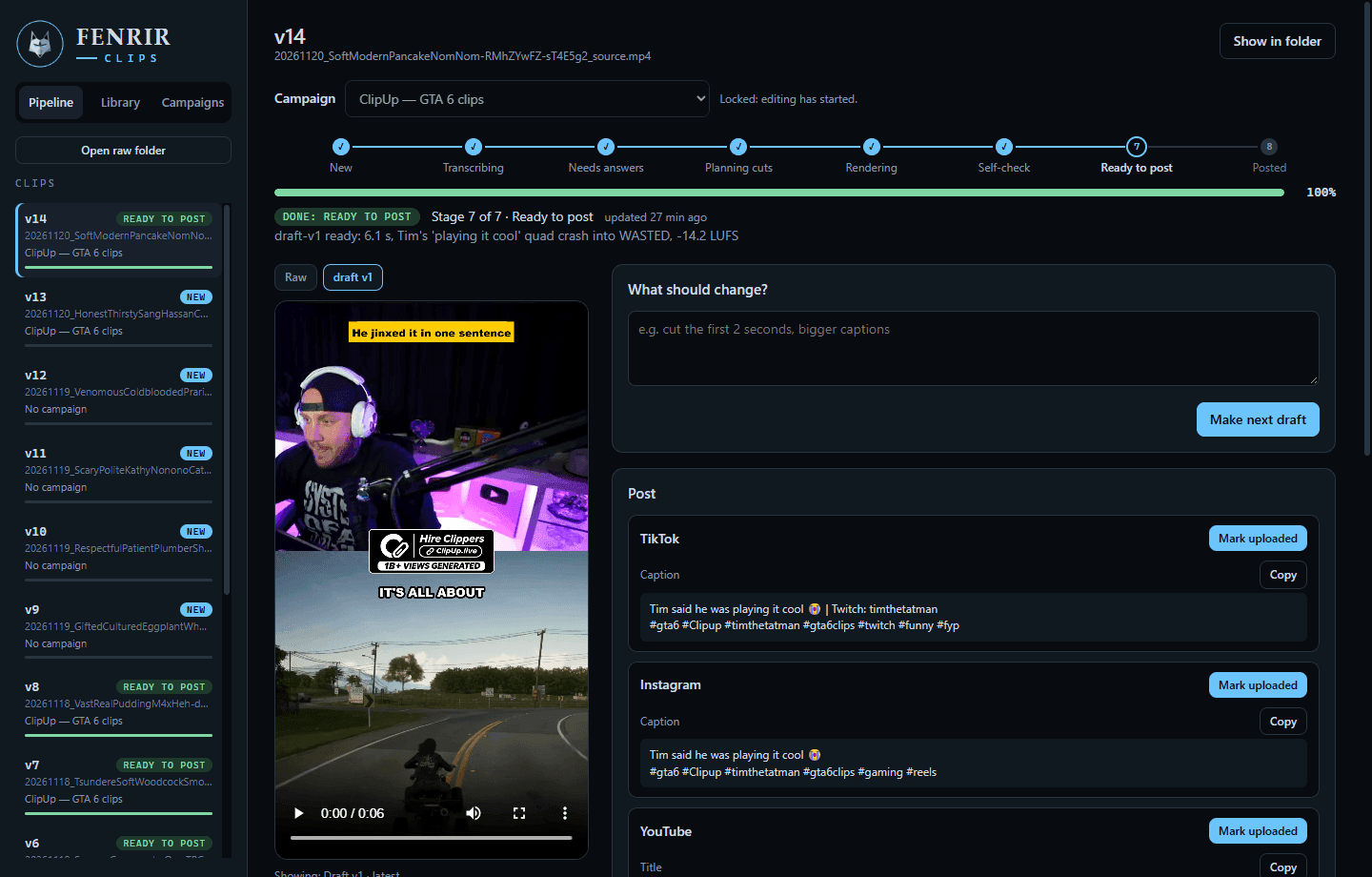
A desktop AI editing desk that turns a raw stream clip into a captioned, reframed 9:16 short with per-platform post text, stopping to ask only when a decision needs a person.
At a glance
- Role
- Product design, development and editing pipeline, working solo
- Status
- Working personal tool, tested on real stream clips (local desktop app)
- Platform
- Windows desktop app (Electron)
- Tools
- Claude Code · VS Code · FFmpeg · faster-whisper
- Tech stack
- Electron · Claude Code (headless) · FFmpeg 9.1 + libass · faster-whisper · Python 3.13 · Node 26 · yt-dlp · plain HTML, CSS and JavaScript, no front-end framework
Design system
A dark command-deck interface: near-black panels, one sky-blue accent for every primary action, and a muted status palette, so the editor's attention-grabbing colours stay reserved for the footage, not the chrome.
Canvas / Near Black
#080C10
App background
Surface / Panel
#101820
Sidebar, cards and panels
Accent / Sky Blue
#6CC4FC
Every primary action and button
Status / Ready Green
#7FD8A4
Ready to post status
Caption / Hook Yellow
#F5C451
The one highlighted keyword in burned-in captions
Text / Muted
#8898AC
Secondary text, filenames, metadata
Typography
Segoe UI / system-ui for the app itself; Cascadia Mono for filenames, stage numbers and campaign rules files
Components
Primary Button
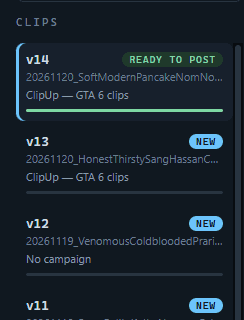
Status Pills (New / Ready to Post)

Seven-Stage Tracker
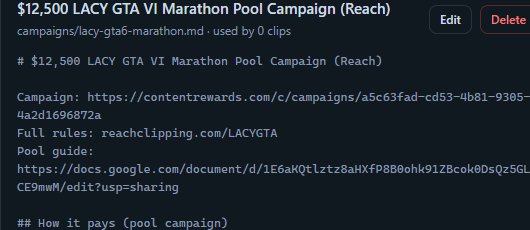
Campaign Rules Card
Sections
Section 1
The Problem
Streamer clipping campaigns pay creators for views on short clips of a streamer's broadcast. ClipUp pays $0.30 per 1,000 views; marathon "pool" campaigns split a fixed prize pool by approved views. Volume and speed win, but every clip still needs the same careful work:
- Watch and transcribe 30 to 60 seconds of stream audio buried under game sound.
- Cut dead air and slips, but keep silences that are the punchline.
- Reframe a 16:9 stream into 9:16: webcam on top, gameplay below.
- Caption word by word; censor slurs, blur nudity.
- Follow each campaign's rules: one requires its logo on every frame, others ban all logos.
- Write and track posts for three platforms and keep them up for 60 days.
Section 2
The Goal
One folder in, finished shorts out. The editor, Claude Code, does the craft: it measures cut points against the audio level, checks its own renders frame by frame, and writes the post copy. The person makes the calls that matter, such as unclear words, censoring and which campaign a clip is for, and approves the result.
Section 3
What I Built
An editing pipeline (transcription, audio-snapped cuts, captions, reframing, loudness), a desktop app that watches the raw folder and drives the AI editor step by step, and campaign management with per-platform post text and upload tracking. Tested against real stream clips: 9 finished 9:16 drafts, a 29% runtime cut overall (225 seconds raw down to 159 seconds), loudness normalized in two passes to a consistent −14 LUFS, across 4 campaigns, each its own rules file the editor follows.
Section 4
Seven Stages, One Person in the Loop
The pipeline runs as seven stages, with exactly one of them mine. New: a file lands in raw/, gets an id and a NEW tag once it's fully copied. Transcribing: a contact sheet and word timestamps from Whisper with voice-activity detection. Needs answers, the one stage that waits on a person: doubtful words, censoring, blur, which campaign a clip fits. Planning cuts: cuts made by hand, snapped to the quietest 10 milliseconds. Rendering: reframe, captions, logo, bleeps, −14 LUFS. Self-check: frames, the logo on the first and last frame, loudness, notes. Ready to post: the draft plus TikTok, Instagram and YouTube text.
Section 5
Files as the Contract
The desktop app, built in Electron, watches raw/, shows each clip's stage, progress and logs, collects answers and revision notes, and tracks uploads. It never talks to the AI editor directly. It starts or resumes Claude Code headless (claude -p --resume, one session per clip, so a revision keeps the clip's own context, streaming progress back as JSON), which runs Python and FFmpeg editing scripts (transcription, seam detection, cut snapping, a one-pass render with libass captions), which write plain files: status.json, questions.json, answers.json, post.json, draft-vN.mp4. Nothing is lost if the app closes, and every state is inspectable and testable without the UI.
- Ask, don't guess: before burning in subtitles, the editor writes its doubts to questions.json and stops. The app turns them into a form, pre-filled with the editor's own guesses.
Section 6
From a 16:9 Stream to a Ready-to-Post Short
A raw 2560×1440 Twitch clip gets two crops: the webcam to a 1080×860 strip on top, the gameplay to a 1080×1060 strip below, leaving out the chat, minimap, donation alert and the stream's own live captions. Captions are written word by word, with one keyword in accent yellow, placed just under the campaign logo and never on top of it. The campaign's own logo file runs at a uniform scale from the first frame to the last, and the self-check verifies both ends. The hook line lands in the first 2.5 seconds, with the first word appearing within 0.15 seconds. Cuts snap to audio minima so no word gets clipped, while silence that is itself the payoff is kept. Sound is high-pass filtered, compressed, de-essed and loudness-normalized in two passes to −14 LUFS / −1 dBTP. Slurs are shown as **** and bleeped; nudity is blurred, except the facecam.
Section 7
The App
Three views cover the whole job. Pipeline shows one clip at a time: a new file is locked to a campaign before editing starts, so it can never end up with the wrong logo rules, and the player shows raw footage letterboxed in a dashed frame until the first draft exists, so it's never mistaken for a finished edit. Once a draft is ready, the same view shows the seven-stage progress bar, a tab per version, a plain-language revision box, "What should change?", that resumes the clip's own AI session, and the per-platform post text underneath. Library is one grid for every clip, new drafts and the existing archive together, filterable by folder and posted state, with a "Mark uploaded" button per platform that starts a 60-day keep-up countdown, the minimum time campaigns require a post to stay live. Campaigns turns a pasted brief into the rules file the editor reads before cutting a clip for it; ClipUp requires its logo on every frame, while the Clix, Lacy and YourRAGE pools ban all logos, and the same render pipeline follows whichever rules file a clip was given. Deletes ask first and move the file to a _deleted folder, so a campaign can always be restored.
Section 8
Under the Hood
- Human-in-the-loop by default: the editor stops for answers instead of guessing at captions or censoring.
- One session per clip: revisions resume the same AI session, so "cut the first 2 seconds" needs no re-explaining.
- Campaign rules as text files: a new campaign is a pasted brief, not new code.
- Safe by default: deletes are soft, moved to a _deleted folder, one app window open at a time, and links only open if they're real web links.
Section 9
What Testing Caught
Automated tests cover the file contract itself: broken or half-written JSON, half-copied videos, upload marks, campaign names. The editor checks its own renders too: the logo on the first and last frame, caption overlap, loudness, and that every bleep fully replaces the word it covers. Every app screen was verified from real screenshots during development, which caught a script crash and two layout bugs before release.
Section 10
What's Next
A Windows installer, view tracking per post to see which hooks actually perform, and a batch start for a whole raw folder at once.
Links
Personal tool built for real clipping campaigns; source available on request.
Request source accessMore projects
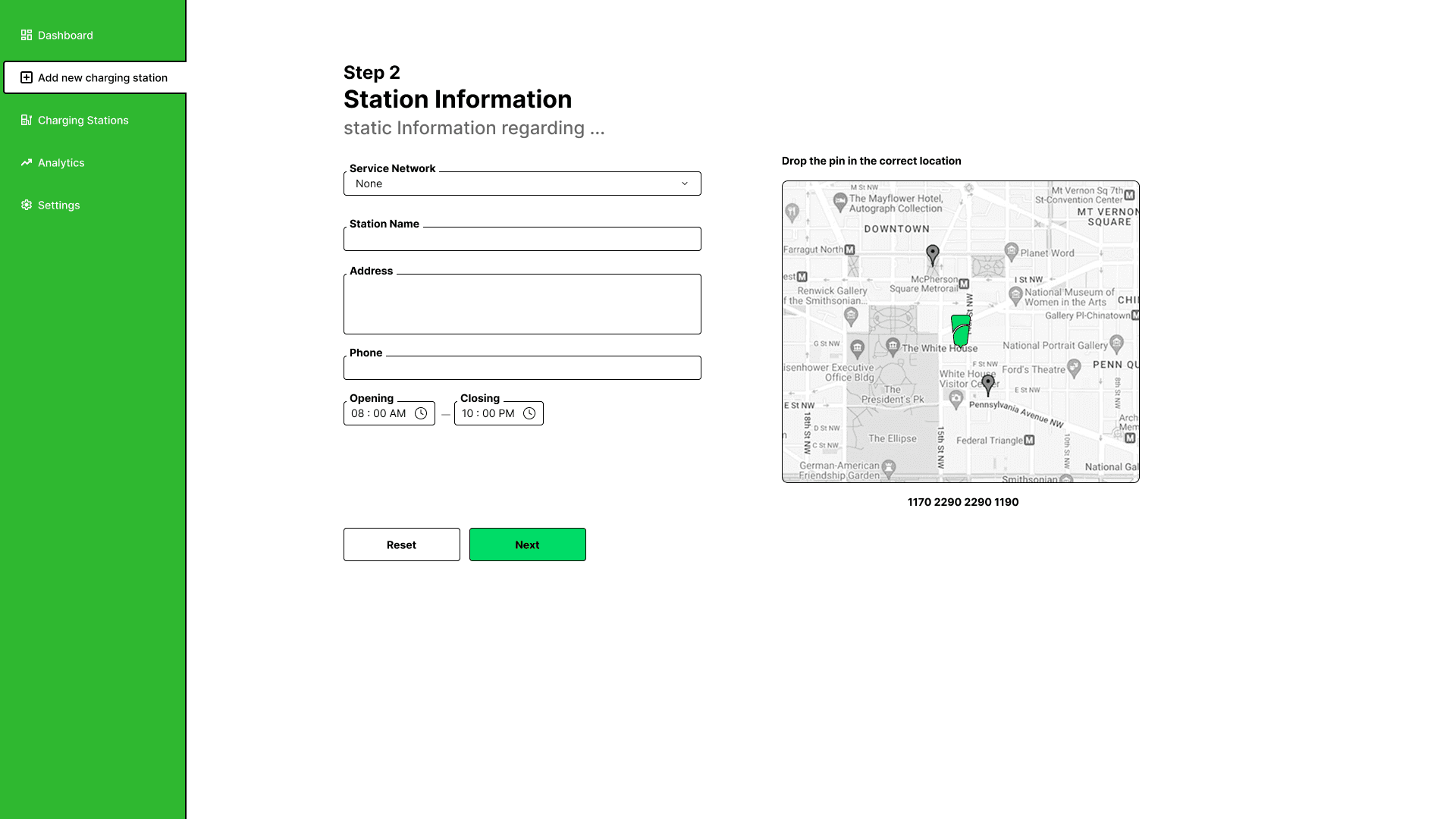
Sri Charge
A design-led EV charging & booking platform for Sri Lanka, built to end the queue.
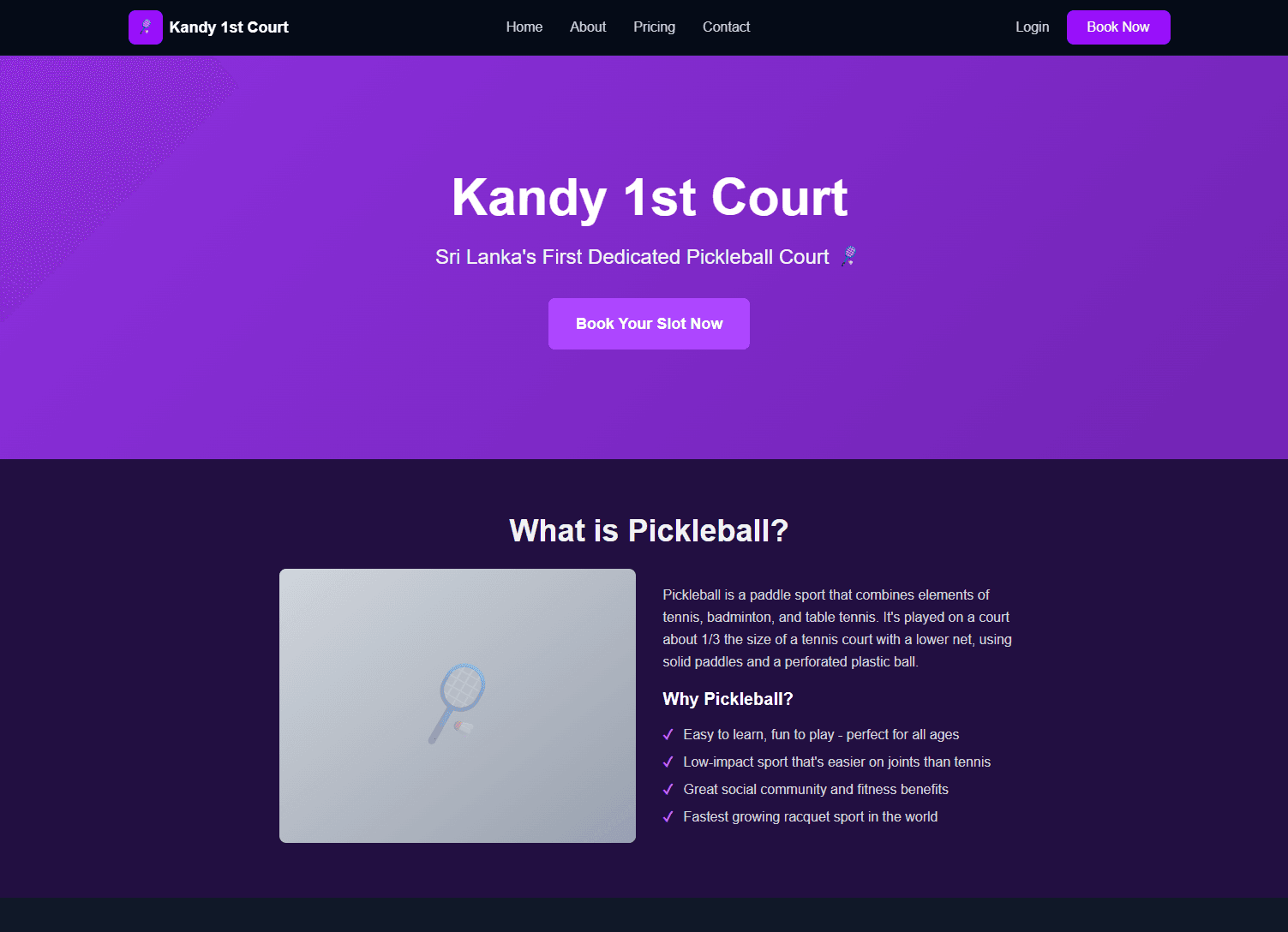
Kandy 1st Court
A full-stack booking platform for Sri Lanka's first dedicated pickleball court, built end-to-end by directing Claude Code, not by hand-coding or blind-accepting it.
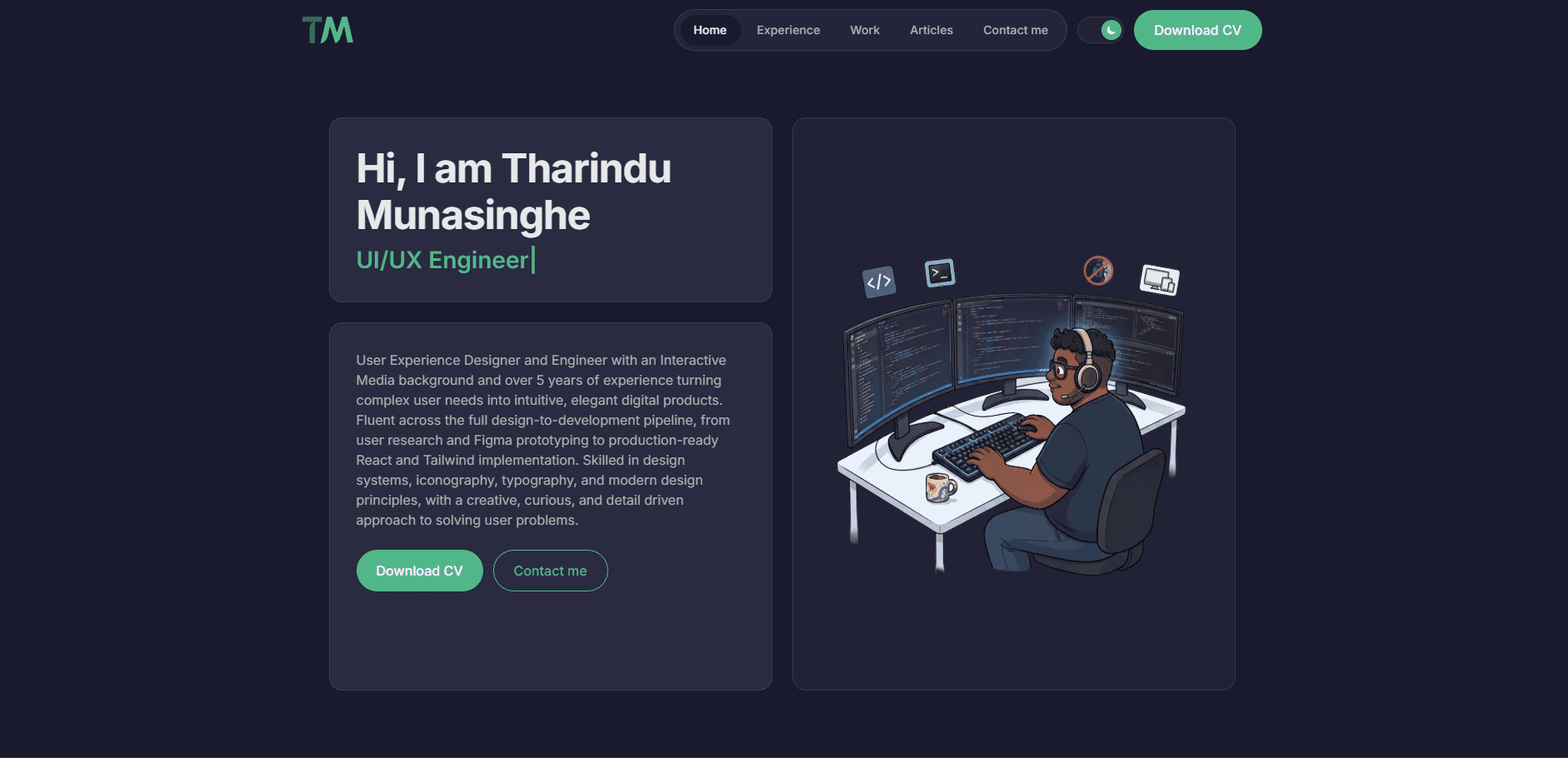
This Portfolio
This very site: a personal portfolio designed and built end-to-end with Claude Code assisting, one real feature at a time.
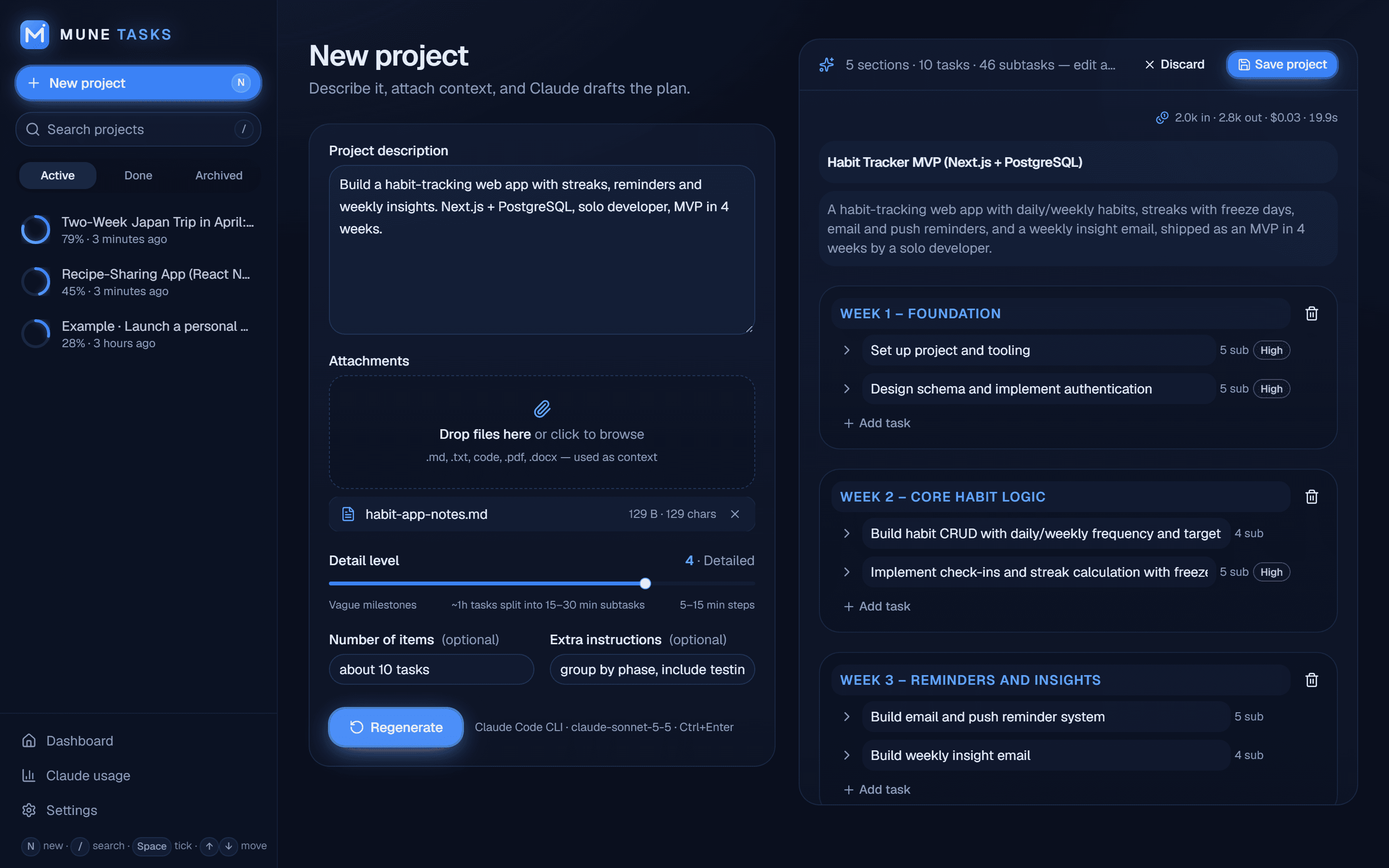
MUNE TASKS
A local-first AI project planner that turns a description into a phased, trackable to-do list in about 20 seconds.
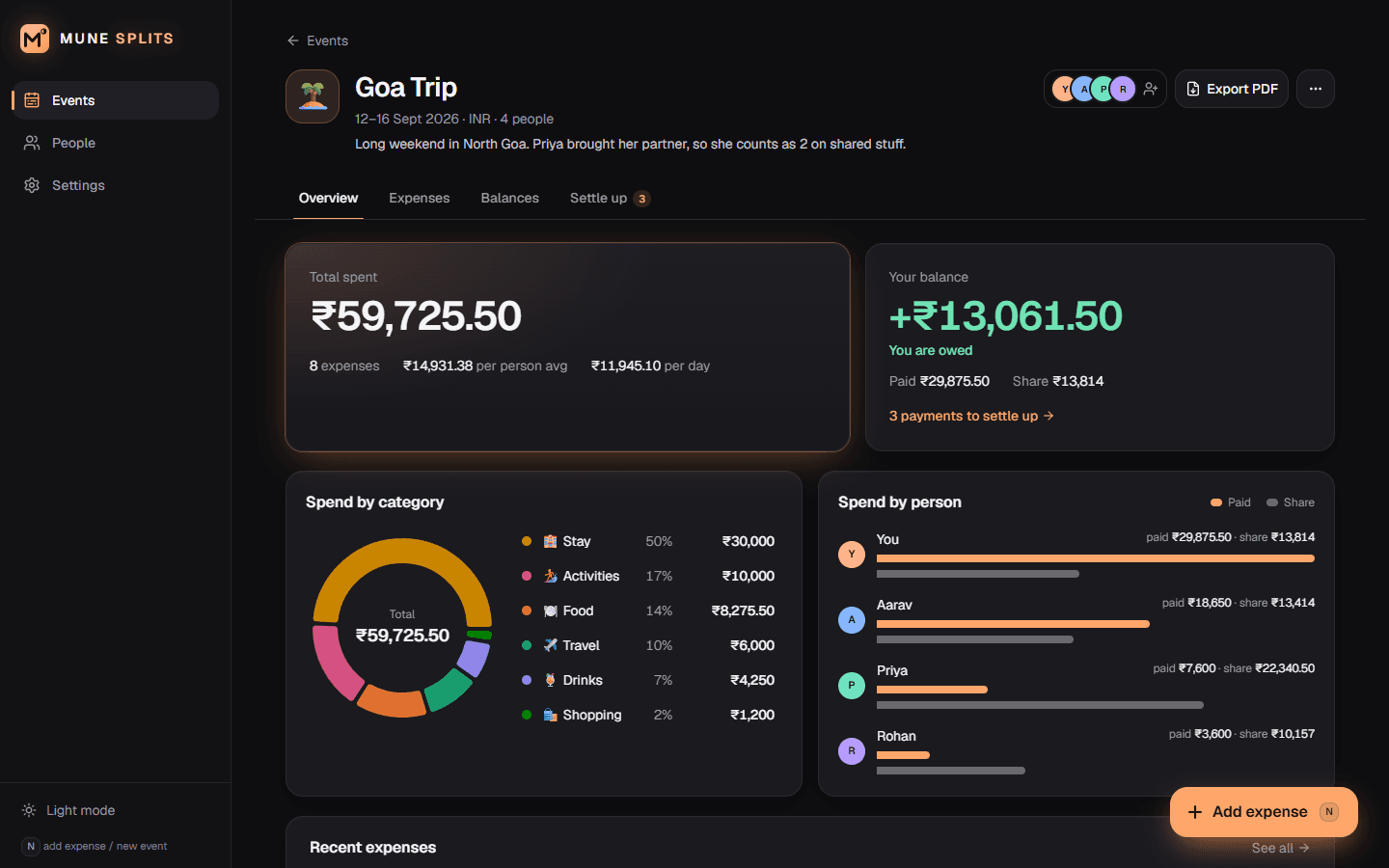
MUNE Splits
A local-first expense splitter that works out who owes whom in the fewest possible payments.
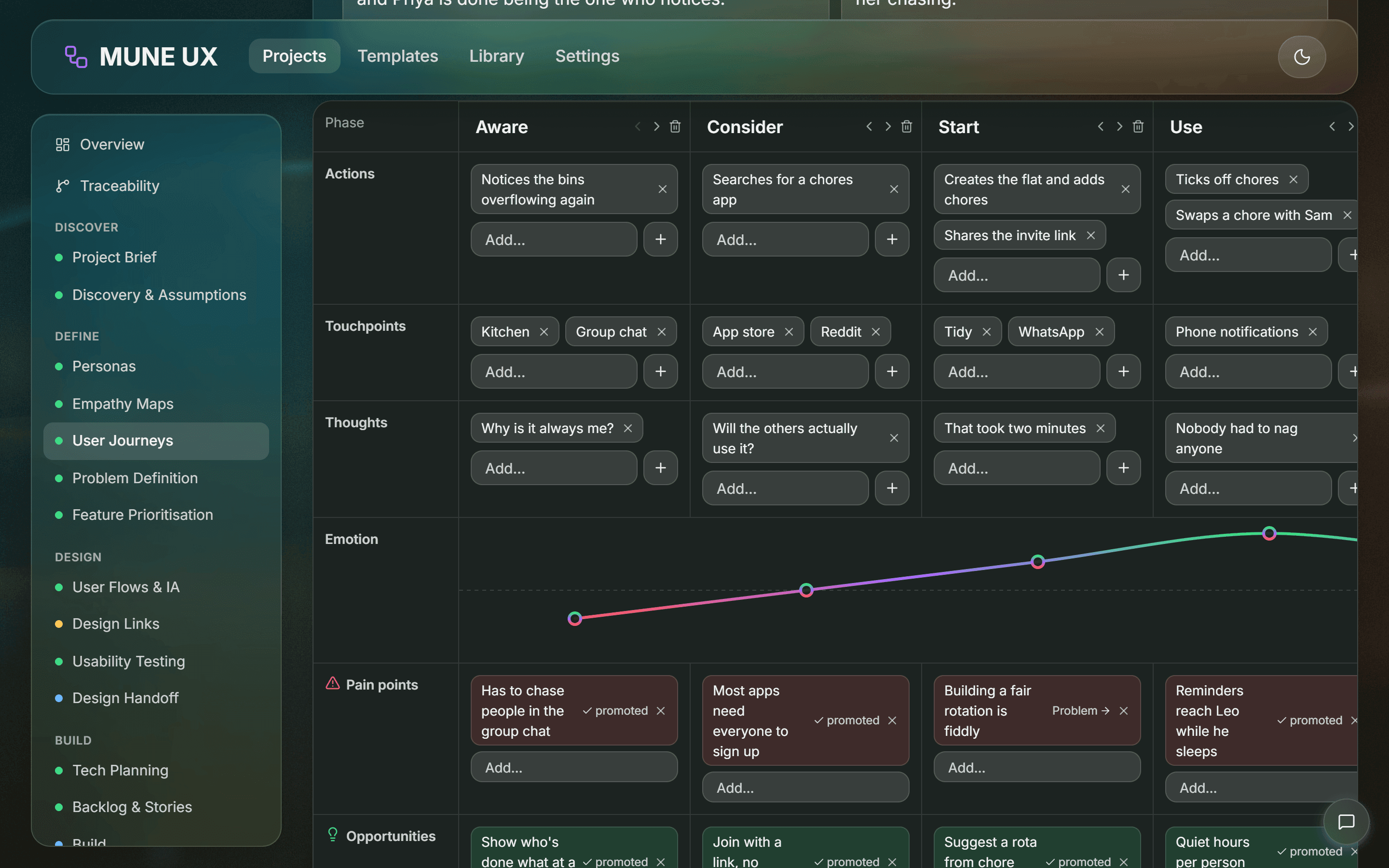
MUNE UX
A local-first UX-to-dev pipeline that takes a vague idea through 17 guided stages to a shipped release, and traces every task back to a real user need.
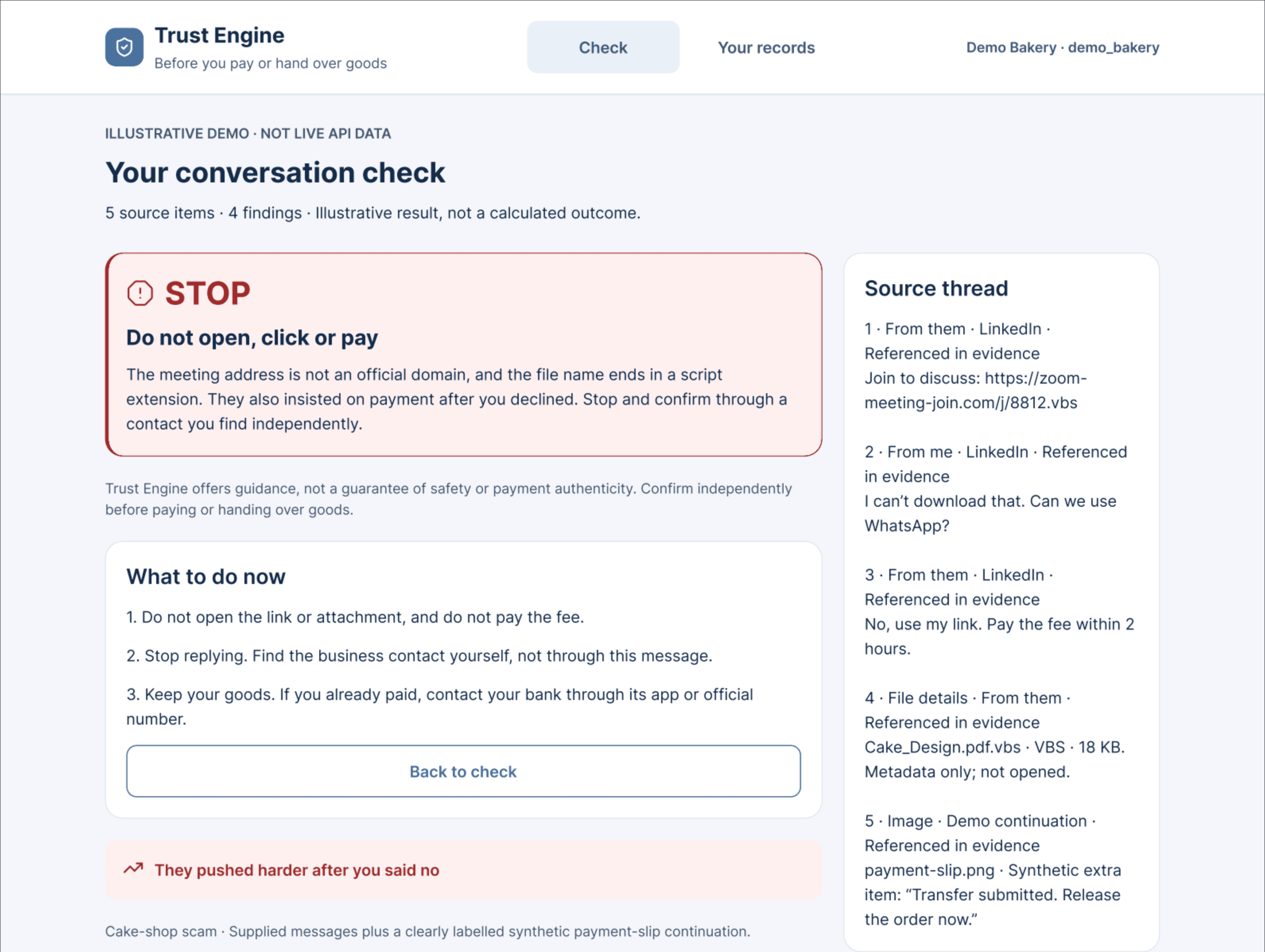
Scam Shield
A fraud check for small shop owners, built in two weeks for the Google Cloud AI Builder Cup: paste a conversation or a payment-slip screenshot and get a STOP, VERIFY or SAFE verdict, the reasons, and what to do next.
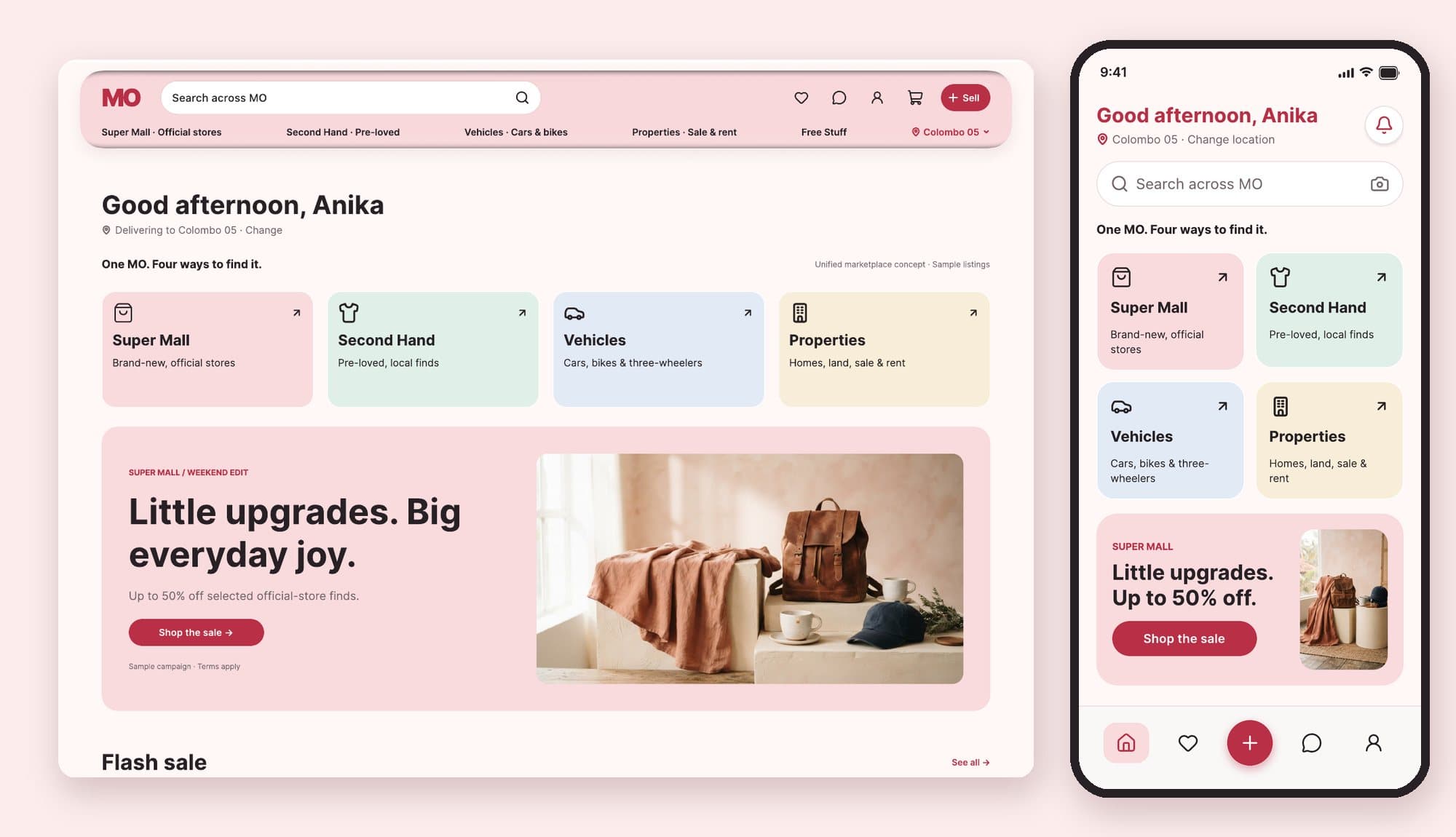
MO Marketplace
An independent redesign concept for a Sri Lankan marketplace's home screen, built for a take-home assessment around one idea: understand first, then promote, then browse.
MUNE Tokens
A local design-system generator that turns a product brief into Figma variables, styles and components, plus matching code tokens, in a few minutes with Claude.
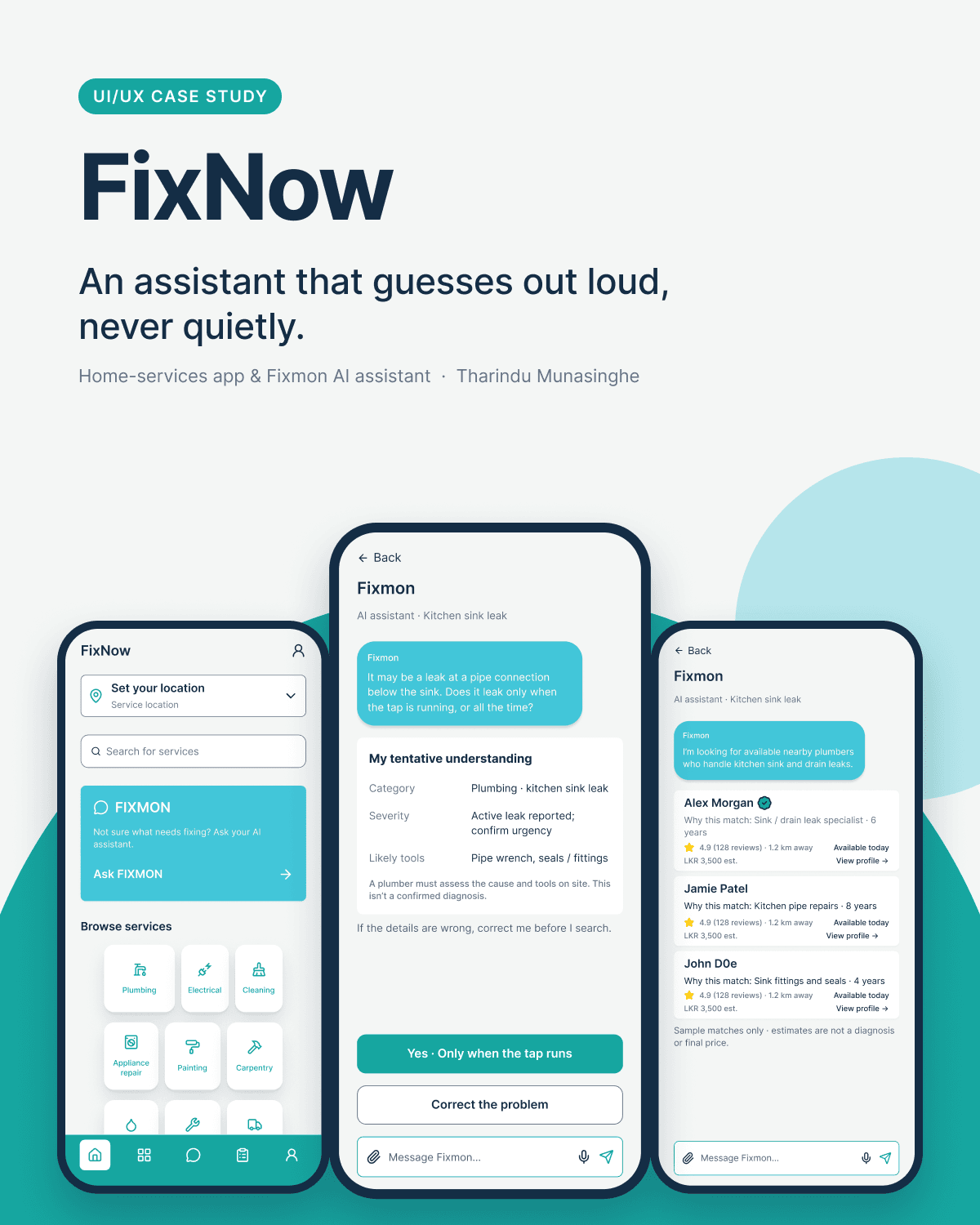
FixNow
A category-first home services marketplace concept with an AI assistant, Fixmon, that turns a described problem into a reasoned shortlist, designed for a take-home UI/UX assessment.